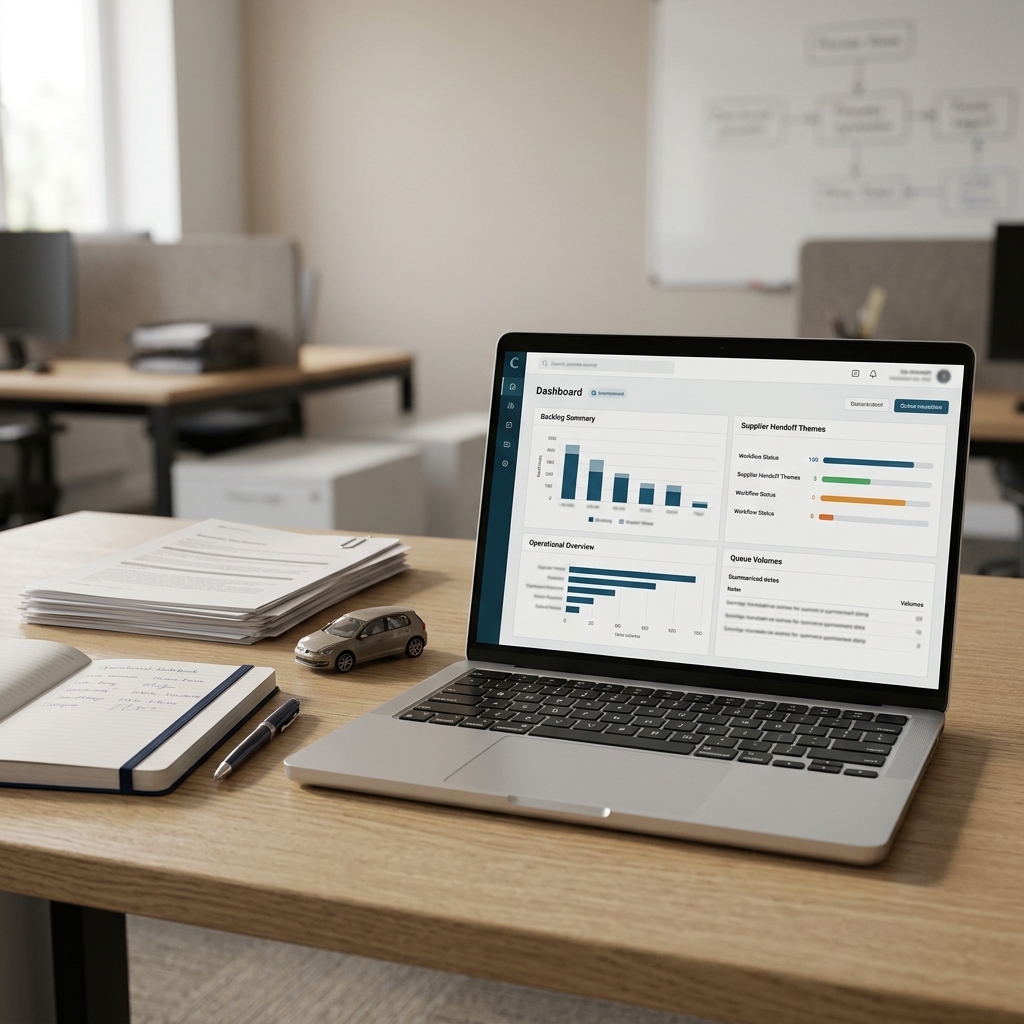
The backlog review is due this afternoon. Queue reports have been exported, repairer updates are sitting in email threads, team leaders have added comments from yesterday's huddle, and customer service feedback is pointing to a few repeated delay themes.
As a claims operations manager, your job is not just to collect all of that information. You need to turn it into a clear internal briefing that helps the right people focus on the right operational issues.
AI can help with that preparation work, but only if the boundary is clear. In this context, AI is a drafting and organising assistant. It can structure approved notes, separate facts from assumptions and prepare review questions. It should not make or recommend claims decisions.
This guide is practical operational guidance, not legal, compliance, regulatory or data protection advice. Always follow your organisation's approved tools, claims handling procedures, data protection requirements, information security rules and governance controls.
Quick answer: AI can help claims operations managers prepare motor claims backlog summaries by organising approved internal inputs into clear sections such as source notes, confirmed facts, queue themes, supplier handoff issues, customer service impact, review questions and actions.
It should not be used to decide coverage, indemnity, liability, settlement value, fraud referrals, complaint outcomes, vulnerability treatment, regulatory classification or customer outcomes. Human review, authorised judgement and approved internal systems must remain central.
If you want the shortcut version of this workflow, the AI Starter Toolkit for UK Claims Operations Managers in Motor Insurance Claims Operations (UK) packages practical prompts and templates for structuring internal operational notes, backlog summaries and review questions. It is designed as preparation support, not as a tool for making coverage, liability, settlement, fraud, complaint or regulatory decisions.
Affiliate disclosure: This article may contain an affiliate link, which means SBA Shortcut Shelf may earn a commission, at no extra cost to you. For claims operations teams with established KPIs and connected data sources, Databox is one option to consider for presenting recurring backlog, ageing and service-level trends more clearly.
Where AI can help in a motor claims backlog review
In a backlog review, the useful role for AI is narrow but valuable. It can help you turn messy operational notes into a clearer working draft. That might mean creating headings, grouping similar comments, identifying missing information, simplifying wording or turning a long set of notes into a meeting-ready outline.
For an AI-beginner, it helps to think of the tool as a structured note assistant. You are not asking it what should happen on a claim. You are asking it to organise material that you have already decided is appropriate for internal review preparation.
Suitable inputs may include queue exports already approved for internal use, anonymised backlog notes, supplier update summaries, repairer handoff notes, internal meeting notes and service-level commentary. These inputs should be relevant to the review question and handled within your organisation's approved tooling and permissions.
Personal data, sensitive claim details and live claim-file content should only be used in line with your organisation's approved tools, policies and permissions. Where possible, minimise the information used, anonymise operational examples and remove details that are not needed for the review summary.
A good use of AI in this setting is to make the review easier to read. A poor use is to ask it to interpret policy cover, decide whether a delay is justified, judge liability or recommend a customer outcome.
Draw the boundary: summaries are not claims decisions
The safest way to use AI in this workflow is to draw the boundary before you write the prompt. The output is an internal preparation aid. It is not a decision record, claims instruction, complaint response, settlement recommendation or substitute for an authorised handler.
Claims judgement should remain with authorised people and approved processes. That is especially important where the topic touches customer outcomes, money, policy interpretation, dispute handling, vulnerability, complaint handling or any other sensitive operational area.
Keep these decisions human-led and within your organisation's approved systems and controls:
- coverage and policy response;
- indemnity decisions;
- liability assessment;
- settlement value or payment decisions;
- fraud indicators, fraud referrals or suspicion assessments;
- complaint handling and complaint outcomes;
- vulnerability treatment or customer support decisions;
- policy interpretation;
- regulatory classification or treatment;
- customer outcome decisions;
- official file actions and claim-file updates.
The AI-assisted summary can help you see what needs discussion. It should not decide what the insurer owes, who is liable, whether a claim is suspicious, whether a complaint is upheld or what should be said to a customer.
If there is any conflict between the AI draft and your organisation's procedure, systems, controls or authorised judgement, the organisation's approved approach takes priority.
The backlog review summary framework
A reusable structure makes AI safer and more useful. Instead of asking for a general summary, give the tool a defined framework that forces separation between facts, assumptions, themes, questions and actions.
You can adapt the structure below to your internal operating model. It works best when the source notes have already been checked for relevance and the data is permitted for the tool you are using.
- Review purpose and date: State why the backlog review is being prepared and the date or reporting period covered.
- Source inputs used: List the approved notes, reports or summaries used, such as queue extracts, supplier updates or team leader comments.
- Confirmed facts only: Capture points directly supported by the source notes.
- Unverified assumptions or gaps: Flag anything that appears unclear, incomplete or inferred.
- Queue themes: Group repeated operational themes, such as awaiting repair updates, missing estimates, diary follow-up delays or handoff gaps.
- Ageing and service-level observations: Include only what is already available from approved reporting. Do not invent benchmarks or thresholds.
- Repairer and supplier handoff issues: Separate supplier process issues from claim-specific judgement.
- Customer service impact: Note operational impacts shown in the notes, such as repeat contacts or unclear ownership, without deciding complaint outcomes.
- Exceptions requiring human review: List items that need authorised review through normal channels.
- Proposed review questions: Turn uncertainty into questions for team leads, supplier managers or authorised handlers.
- Agreed actions and owners: Record actions after the meeting in approved internal systems.
- Items excluded from AI review: Note any categories deliberately kept out of the AI process, such as live claim detail, sensitive personal information or decision-making content.
This framework is useful because it reduces the risk of a polished but unsafe summary. It reminds the reader that not every clear sentence is a confirmed fact.
A safe step-by-step workflow
For most claims operations managers, the safest starting point is a simple repeatable workflow. Keep the inputs controlled, keep the prompt narrow and keep the review human-led.
- Define the review question. For example: What operational themes are driving this week's repairer handoff backlog?
- Select only permitted, relevant inputs. Use approved queue reports, anonymised notes and internal summaries that are suitable for the tool you are using.
- Remove or minimise personal and unnecessary sensitive data. Use placeholders where possible and avoid unauthorised tools for live claim details or sensitive information.
- Ask AI to organise, not decide. Tell it to structure notes, group themes and identify gaps. Do not ask for claim outcomes.
- Require separation of facts from assumptions. Make the AI label confirmed points, missing information and possible questions separately.
- Review the output against the source notes. Check that the AI has not omitted context, over-compressed detail or introduced unsupported wording.
- Add human judgement separately. Operational interpretation, prioritisation and escalation should come from authorised colleagues and agreed processes.
- Record actions in approved internal systems. Do not use the AI tool as the system of record for claim actions, supplier instructions or official file notes.
- Keep an audit-friendly note where required. If your internal policy requires it, record what was AI-assisted and what was excluded.
Operational reporting and dashboard tools can support clearer backlog and service-level visibility, but they should not be treated as claims decision systems. Where a team already has defined KPIs and connected data sources, a reporting layer such as Databox may help bring recurring backlog, ageing and service-level trends into a clearer management view. Approved internal reporting should still remain the source for performance measures, thresholds and operational commentary.
Example prompts for safer internal summaries
The prompt matters. A vague request such as summarise this backlog can invite the tool to over-compress, infer causes or write with too much confidence. A safer prompt gives the AI a narrow administrative task and clear exclusions.
Prompt 1: Structure a backlog summary from approved notes
Using only the anonymised and approved operational notes below, organise a backlog review summary under these headings: source inputs, confirmed facts, unverified assumptions, queue themes, supplier handoff issues, customer service impact, questions for the review meeting and possible operational actions for human review. Do not assess coverage, liability, settlement, fraud, complaints, vulnerability, regulatory treatment or customer outcomes.
Use this only with approved tools and permitted inputs. Before sharing the output internally, check it against the original notes and remove any unsupported conclusions.
Prompt 2: Create supplier handoff questions
From the supplier update notes below, create a repairer or supplier handoff checklist for an operations review. Separate confirmed handoff issues from missing information. Create questions for the supplier manager to check. Do not recommend claim outcomes or make any decision about payment, liability, settlement or customer communication.
This prompt is for preparing operational questions. It is not an instruction to repairers, a supplier performance decision or a change to claim handling.
Prompt 3: Turn review notes into an internal meeting briefing
Turn the following approved backlog review notes into a concise internal briefing for a claims operations meeting. Use neutral language. Highlight facts, assumptions, ageing themes, service impact and items needing human decision. Do not infer reasons for delay unless stated in the notes, and do not make claims decisions.
AI may misread or over-summarise operational notes. Review the wording, confirm facts with authorised colleagues and keep sensitive decisions outside the AI-generated draft.
How to use the summary in the review meeting
The value of the AI-assisted summary is not that it gives the answer. The value is that it gives the meeting a clearer starting point.
Before the meeting, compare the summary with the source notes. Look for missing caveats, overly broad phrases and anything that sounds like a conclusion rather than an observed operational theme. If a point is not supported by the notes, mark it as an assumption or remove it.
During the meeting, ask team leads and supplier managers to confirm the operational facts. For example, they may confirm whether a handoff delay relates to missing repair authority, an estimate query, a diary ownership issue or a supplier update gap. If the reason is not stated, do not let the summary imply one.
Separate process actions from claim decisions. A process action might be to clarify diary ownership, chase a supplier update or review a queue allocation rule. A claim decision might involve liability, settlement, coverage, complaint treatment or customer communication. The second category should go through normal authorised routes.
Escalate sensitive cases through the usual channels. Avoid pasting AI output directly into claim files or customer communications unless your organisation's approved process allows it and the wording has been properly reviewed by an authorised person.
Reusable AI-supported backlog review summary framework
Use this as a practical structure for internal review preparation. It is not a decision engine and should not replace approved claims systems, governance or authorised claims judgement.
1. Review set-up
- Review purpose: What operational question is this summary supporting?
- Date and period covered: What reporting period or queue snapshot is being reviewed?
- Scope: Which queues, teams, suppliers or workflow stages are included?
2. Source inputs
- Approved queue exports or MI extracts.
- Anonymised backlog notes.
- Repairer or supplier update summaries.
- Internal team meeting notes.
- Service-level commentary from approved reporting.
3. Confirmed facts
- Only include points directly stated in the source inputs.
- Avoid reasons for delay unless they are clearly recorded.
- Keep wording neutral and operational.
4. Unverified assumptions and gaps
- What appears incomplete?
- What needs confirmation from a team lead, supplier manager or authorised handler?
- What has the AI inferred that should be removed or challenged?
5. Queue themes
- Repeated diary follow-up issues.
- Repairer update gaps.
- Supplier handoff friction.
- Unclear ownership between teams.
- Recurring customer contact themes.
6. Supplier handoff issues
- Confirmed repairer or supplier process issues.
- Missing information required for operational follow-up.
- Questions for the supplier manager to check.
7. Customer service impact
- Operational impact shown in the notes, such as repeat contact or unclear status updates.
- Do not decide complaint outcomes or vulnerability treatment in the AI-assisted summary.
8. Exceptions and human decision points
- Items needing authorised claim review.
- Items needing complaint, fraud, liability, coverage, settlement or vulnerability consideration through normal channels.
- Items that should be excluded from AI review because they contain sensitive or live claim-file detail.
9. Proposed review questions
- What facts need confirming?
- Which queue themes need action?
- Which supplier handoffs need ownership?
- Which items need escalation through approved routes?
10. Actions and owners
- Record agreed actions after human review.
- Assign owners in approved internal systems.
- Keep AI-generated wording out of official records unless it has been reviewed and approved under your internal process.

