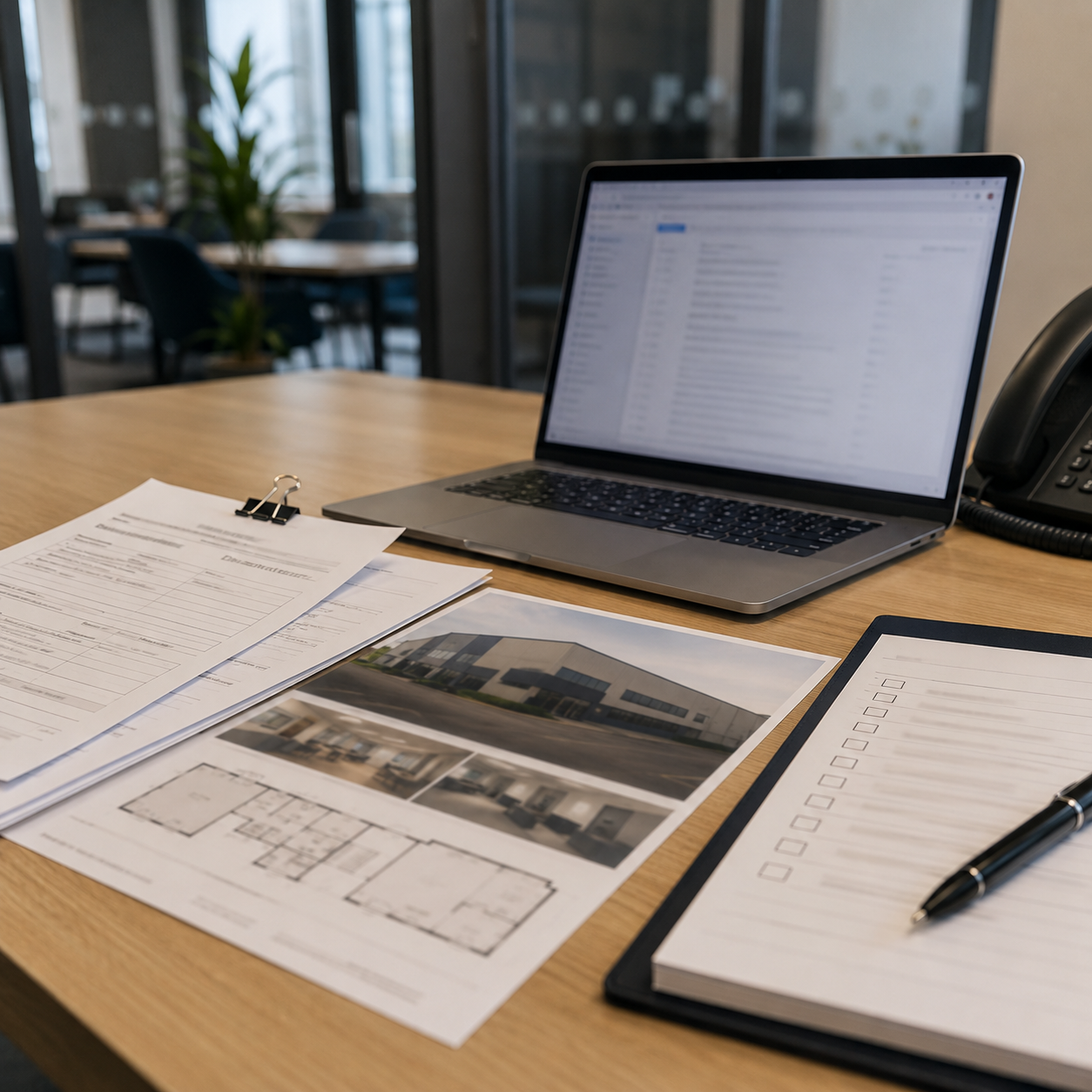
An agent comes back from a block of viewings with rough notes. A prospective occupier has emailed with three questions about a unit. A landlord needs a short update before the end of the day. The notes are useful, but they are not yet ready to send, save or share.
This is where AI can help a commercial property administrator. Used carefully, it can turn supplied notes into clearer first drafts for viewing follow-ups, enquiry acknowledgements, CRM notes and internal summaries. It can tidy the wording, structure the message and make the tone more professional.
The important boundary is this: AI should draft from the information you give it. It should not invent property details, confirm legal or lease terms, give valuation or investment views, interpret planning or permitted use, negotiate terms, or send wording without human review.
This guide is written for UK commercial property administrators in small independent agencies who are new to AI. It explains what is safer to ask AI to draft, what should stay human-led, and how to check the output before anything leaves the agency.
This is practical drafting guidance, not legal, valuation, planning, leasing, compliance or investment advice. If wording affects a client, applicant, occupier, buyer, landlord, transaction, instruction or published listing, it should be checked by the appropriate agent, manager or reviewer before use.
Quick answer: commercial property administrators can safely ask AI to create first drafts from supplied viewing notes, enquiry details and CRM fragments when the prompt clearly limits the tool to those notes.
- Good uses: draft viewing follow-up emails, enquiry acknowledgements, appointment reminders, CRM summaries, internal handover notes and tidy listing wording without changing facts.
- Risky uses: asking AI to guess missing property details, confirm availability, advise on suitability, interpret lease wording, change commercial terms or create negotiation language.
- Safe habit: tell AI to use only the notes provided, mark unclear points as [CHECK], and have a human reviewer approve external wording before sending or publishing.
If you want the shortcut version of this workflow, the Starter AI Toolkit for Commercial Property Administrators in Independent Commercial Property Agencies (UK) packages role-specific prompts and practical checklists for safer first-draft admin work. It is designed to support your drafting process, not replace agent, manager or professional review.
Affiliate disclosure: This article may contain an affiliate link, which means SBA Shortcut Shelf may earn a commission, at no extra cost to you. For commercial property admin teams that need a simple place to record contact history, notes and follow-up tasks, Capsule is one option to consider.
The safe boundary: AI can draft from notes, not decide the facts
The safest way to think about AI in commercial property administration is as a drafting assistant, not a property expert. It can help you turn messy notes into readable wording, but it cannot know whether the notes are accurate, complete or approved.
There is a difference between supplied facts and generated wording. Supplied facts are the details already in your viewing notes, enquiry email, agent instruction or internal record. Generated wording is the way AI phrases those details into an email, note or summary.
That difference matters because commercial property details can be legally or commercially sensitive. A small change in wording can make a property sound more available than it is, imply that a term has been agreed, or make a statement about rent, planning, lease position or timings that the agent did not intend to make.
A useful AI draft should make the wording clearer without changing the meaning. If a note says that the applicant asked about loading access, the draft can say that the applicant asked about loading access. It should not say that loading access is suitable, confirmed or available unless that has been supplied and approved.
Final approval should stay with the agent, manager or other appropriate reviewer. As the administrator, your role is to prepare a clear first draft, flag missing information and make it easier for the responsible person to review quickly.
Good drafting tasks for commercial property administrators
The best AI drafting tasks are admin tasks where the tool is reorganising information you already have. These are usually first-draft, low-decision tasks rather than final commercial decisions.
Viewing follow-up email drafts
You can give AI the property name, applicant name, viewing date, agent notes and agreed next step. Ask it to draft a polite follow-up using only those details. It should not add rent, size, availability, incentives, viewing feedback or next steps that are not in the notes.
Enquiry acknowledgement replies
AI can help draft a short acknowledgement to an occupier, buyer or agent contact. Provide the enquiry text, property reference if known, contact details and any approved response points. It should not advise on whether the property is suitable, confirm terms, or promise that the agent or landlord will agree to anything.
Polite requests for missing information
If an enquiry is incomplete, AI can draft a friendly request for details such as preferred size range, use type, location preference, budget indication, timing or contact number. Keep the wording neutral. It should ask for information, not assess whether the applicant is suitable.
Appointment reminder wording
AI can prepare a viewing reminder from supplied details: property address or name, date, time, meeting point, contact name and any approved access notes. It should not invent parking arrangements, access instructions, security details or availability.
CRM note summaries and internal handovers
You can ask AI to turn a long enquiry or rough call note into a shorter CRM note or handover summary. Provide the original text and specify the fields you want, such as contact, property, requirement, questions asked, follow-up needed and missing information. The AI should not make judgements about priority, value or negotiation position unless those points are supplied by the agent.
For admin teams that need a simple place to keep contact history, viewing notes and follow-up tasks together, Capsule is one optional CRM to consider. It should not replace the agency’s property system, approved records or agent review of commercial facts and next steps.
Landlord update drafts from supplied notes
AI can tidy an internal draft update based on an agent’s notes, such as viewing numbers, feedback themes and next actions. It should not soften, strengthen or change the commercial position. If the agent wrote that feedback was mixed, AI should not rewrite it as strong interest unless that is clearly supported.
Basic listing wording tidy-ups
AI can help improve readability in a listing description where all factual details are already supplied and checked. It should not change measurements, rent, service charge references, use statements, location claims, availability or incentives. Treat listing copy as a checked publication item, not casual admin text.
Tasks that should stay human-led or need extra review
Some commercial property wording carries more risk because it can affect negotiations, expectations or formal records. AI may still help format supplied text, but the substance should be checked by the responsible person.
Be especially cautious with:
- Lease wording: do not ask AI to interpret, summarise or create lease commitments without appropriate review.
- Rent, price or guide terms: AI should not invent, round, compare or reframe commercial terms.
- Service charge or business rates references: these should be checked against the supplied and approved information.
- Availability: AI should not confirm whether a unit is available, under offer, withdrawn or reserved unless that status is supplied and current.
- Measurements: AI should not calculate, convert, estimate or correct floor areas unless the approved figures are provided and reviewed.
- Planning, use or permitted-use comments: AI should not advise on whether a proposed use is allowed or likely to be acceptable.
- Valuation or investment opinions: AI should not comment on value, yield, return, investment potential or market attractiveness.
- Negotiation language: AI should not create pressure, concessions, counter-offers or landlord positions unless the agent has supplied the exact approach.
- Offer or heads-of-terms wording: AI can help format supplied points, but the terms themselves should remain human-led and reviewed.
- Legal commitments or promises about timing: avoid wording that sounds like a binding promise about completion, landlord decisions, approvals or access.
The practical rule is simple: if the wording could change a commercial position, affect a negotiation, influence a decision or be relied on by someone outside the agency, do not treat the AI output as final.
How to prompt AI so it stays tied to the notes
A safe prompt is not just a request for a nice email. It tells AI what source material to use, what it must not infer, what format you want and how to handle uncertainty.
Use this simple structure:
- Role: explain the context, such as a UK commercial property agency administrator preparing a first draft.
- Task: say exactly what you want, such as a viewing follow-up email, CRM note or internal handover.
- Supplied notes: paste only the relevant notes needed for the draft. Where appropriate, remove unnecessary personal or sensitive details and use placeholders.
- Output format: ask for an email, bullet-point CRM summary, handover note or missing-information list.
- Boundaries: tell AI not to add property details, terms, timings, promises or opinions.
- Missing information instruction: ask it to mark unclear points as [CHECK] rather than guessing.
- Tone: specify professional, concise and helpful UK commercial property agency wording.
Here is a reusable prompt fragment:
Draft a polite viewing follow-up email using only the notes below. Do not add any property details, terms, timings or promises that are not in the notes. If anything is unclear, mark it as [CHECK]. Keep the tone professional and helpful for a UK commercial property agency.
This is safer because it keeps AI tied to the supplied notes and asks it to flag uncertainty. The draft still needs human review before sending, especially for property facts, terms and next steps.
For enquiries, you might use:
Turn the enquiry details below into a short CRM note and a separate draft acknowledgement email. Use only the information provided. Do not advise on suitability, value, lease terms, planning use or availability. List any missing details the agent may need to confirm.
For landlord updates, try:
Rewrite the supplied landlord update notes into a clear internal draft for the agent to review. Keep all factual details unchanged. Do not soften, strengthen or add any commercial position. Put uncertain wording in [CHECK] brackets.
Fact-check checklist before anything is sent or published
Before an AI-assisted draft is sent, saved as a final note or published, check it against the original information. The aim is not only to find spelling errors. It is to spot where AI may have added assumptions, changed the tone or made the wording sound more certain than the notes allow.
Use this checklist for outgoing emails, landlord updates, listing wording, appointment reminders and important CRM notes:
- Property address or name: is it exactly right?
- Unit, suite or floor reference: has the correct space been named?
- Size or measurement: has AI copied the supplied figure without changing or estimating it?
- Rent, price or guide terms: are these present only if supplied and approved?
- Availability: has the draft avoided confirming a status unless it is supplied and current?
- Viewing date and time: are the day, date, time and meeting point correct?
- Contact details: are names, phone numbers and email addresses accurate?
- Landlord or agent instructions: has the draft followed the latest instruction rather than making its own suggestion?
- Lease or heads-of-terms wording: has this been left for the responsible person to check?
- Planning or use statements: has AI avoided advising on permitted use or suitability?
- Incentives, service charge or business rates references: are these included only where supplied and checked?
- Attachments and links: are the right documents or links mentioned, and are they actually attached or available?
- Tone: is the wording helpful and professional without sounding pushy, certain or advisory?
- Reviewer approval: has the correct agent, manager or reviewer approved the final wording where needed?
- Final AI assumption check: has AI added anything that was not in the notes?
This checklist is a practical admin safety check. It is not a complete legal or compliance review, and it does not replace the judgement of the person responsible for the communication.
A simple safe workflow for busy agency admin teams
A safe AI drafting workflow does not need to be complicated. The goal is to make first drafts quicker to prepare while keeping control of facts, terms and approvals inside the agency.
- Collect the source notes. Gather the enquiry, viewing comments, agent instruction, call note or CRM fragment you are working from.
- Remove anything unnecessary. Where appropriate, minimise sensitive personal or commercially sensitive information before using an AI tool. Use placeholders if the exact detail is not needed for the draft.
- Choose the drafting task. Decide whether you need an email draft, appointment reminder, CRM note, internal handover or missing-information list.
- Use a boundary-led prompt. Tell AI to use only the supplied information, not to add property facts or terms, and to mark unclear points as [CHECK].
- Review against the checklist. Compare the draft with the original notes, paying particular attention to property facts, commercial terms, timings, contact details and AI-added assumptions.
- Mark uncertainties clearly. Do not hide gaps. Leave [CHECK] notes in place for the agent or manager where something needs confirmation.
- Send for approval where needed. External communications, landlord updates, listing text, offer-related wording and anything commercially sensitive should be reviewed by the appropriate person before use.
- Save the final version internally. Once approved or sent, save the final note in the relevant internal system according to your agency’s normal process.
This workflow keeps AI in the right place: helping with wording, structure and clarity, while people remain responsible for facts, decisions and approval.
Safe AI drafting task menu and fact-check checklist
Part 1: Safer tasks to ask AI to draft
- Tidy viewing notes: turn rough agent comments into a clearer internal summary, using only the supplied notes.
- Draft viewing follow-up emails: prepare a polite first draft with supplied property, contact and next-step details only.
- Draft enquiry acknowledgements: acknowledge receipt, say the enquiry will be reviewed or passed on if that is the agreed process, and list missing details for the agent to confirm.
- Summarise CRM notes: create concise notes from an enquiry or call record without adding judgement or suitability comments.
- Prepare appointment reminders: draft reminders from supplied date, time, location, meeting point and contact details.
- Create internal handover summaries: organise what happened, what is needed next and what is missing, without creating a commercial position.
- Tidy supplied listing wording: improve clarity while keeping all property facts, measurements, terms and availability unchanged.
Part 2: Check before sending, saving or publishing
- Have the property name, address and unit reference been checked?
- Are size, rent, price, guide terms and measurements copied exactly from approved notes?
- Has availability been confirmed by the right person rather than assumed?
- Are lease wording, heads-of-terms points and commercial terms reviewed by the responsible person?
- Are planning, permitted-use, valuation and investment comments avoided unless specifically supplied and approved?
- Are viewing dates, times, meeting points and contact details correct?
- Are attachments, brochures, forms or links actually included if mentioned?
- Has missing information been marked as [CHECK] rather than guessed?
- Has the tone stayed professional, neutral and helpful?
- Has AI added anything that was not in the notes?
- Has the correct agent, manager or reviewer approved the wording where needed?