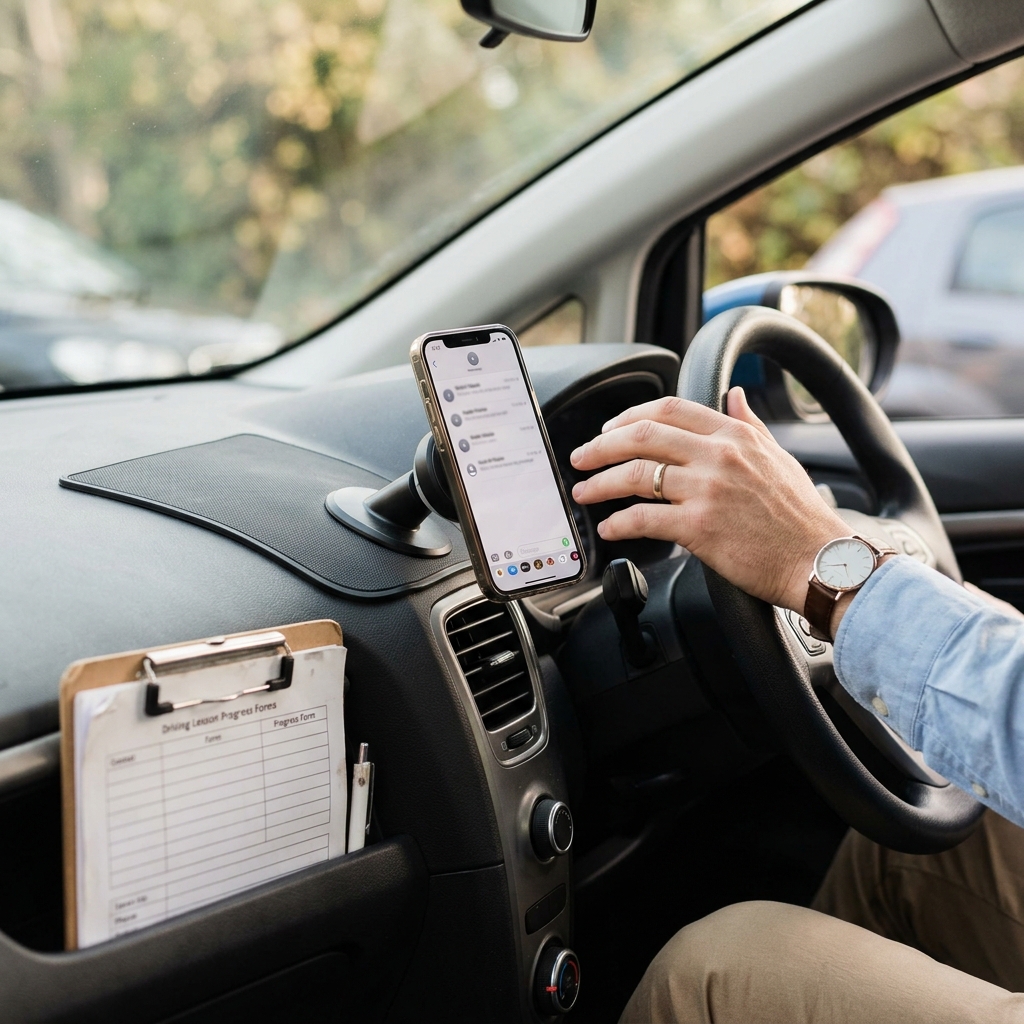
You finish a lesson, pull up safely, and check your phone before the next pupil arrives. There are two missed enquiries, one learner asking to move tomorrow's slot, a parent asking about availability, and your lesson reminders still need to go out.
You know the replies matter. A rushed message can sound blunt. A vague one can create confusion. And anything involving lesson times, prices, cancellations, progress or test preparation needs to be accurate.
This is where AI can be useful, as long as it is kept in the right place. For an independent UK driving instructor, AI works best as a first-draft helper for learner-facing admin messages. It can help you get from a blank screen to a sensible draft faster. It should not decide what you offer, what your policy means, whether a learner is test-ready, or what safety advice to give.
The practical goal is simple: use AI to draft clearer learner enquiry replies and lesson reminders, then review every message in your own voice before sending.
Quick answer: Independent driving instructors can use AI safely for learner enquiries and lesson reminders by treating it as a drafting assistant, not an automatic responder.
- Tell AI the message type, purpose, tone, key facts and boundaries.
- Use placeholders for dates, prices, pickup points and learner details until you check them.
- Ask for short, natural UK English rather than polished marketing copy.
- Review the draft for accuracy, warmth, cancellation terms, safety wording and overpromising.
- Keep test readiness, learner welfare, emergency situations and final send decisions human-led.
If you want the shortcut version of this workflow, the Starter AI Toolkit for Independent Driving Instructors (UK) gives you copy-and-adapt prompts and practical checklists for common instructor admin messages. It is designed to support drafting and follow-up workflows, not to replace your judgement on safety, learner progress, policies or test readiness.
Affiliate disclosure: This article may contain an affiliate link, which means SBA Shortcut Shelf may earn a commission, at no extra cost to you. If you want a simple way to keep learner enquiries, lesson follow-ups and review-request reminders visible around teaching time, Todoist is one option to consider.
Why learner messages are a good first AI workflow for driving instructors
If you are new to AI, learner messages are one of the most practical places to start. They are repetitive enough for AI to help with, but important enough that you still need to check them carefully.
An AI toolkit for driving instructors should not be about replacing the relationship you have with learners. Your tone, judgement and local knowledge are part of why people choose you. The useful role for AI is reducing the blank-page friction when you have five messages to answer between lessons.
Common message scenarios include:
- a new learner enquiry asking about lessons in your area;
- an availability reply when your diary is tight;
- a lesson reminder for tomorrow's pupil;
- a cancellation or rescheduling reply;
- a progress follow-up after a difficult or encouraging lesson;
- a test preparation nudge that keeps expectations sensible;
- a review request after a learner has had a positive experience.
These messages often follow a similar pattern: acknowledge the learner, give the relevant details, explain the next step, and keep the tone calm. AI can help shape that first version. You remain responsible for making sure the final message is accurate, appropriate and something you are comfortable sending.
What AI should and should not write for you
The safest way to use AI for independent driving instructor admin is to separate wording help from judgement. AI can help with how a routine message is phrased. It should not be trusted to make decisions that affect safety, money, policy or learner progress.
Good uses for AI drafting
- Creating first drafts of learner enquiry replies.
- Rewriting a message so it sounds warmer or less abrupt.
- Shortening a long message before sending it by text or WhatsApp.
- Turning a rough note into a polite cancellation or rescheduling message.
- Creating lesson reminder templates with placeholders.
- Drafting follow-up task wording, such as reminding yourself to check in with a learner next week.
Areas that need your judgement
- Test readiness: AI should not decide whether a learner is ready for a driving test or predict an outcome.
- Road safety advice: safety-related wording should be checked carefully and kept within your professional judgement and appropriate guidance.
- Emergency situations: do not rely on AI to handle urgent welfare, safety or emergency messages.
- Official guidance: check the relevant official guidance where a message depends on rules, procedures or formal requirements.
- Pricing decisions: AI should not invent your prices, offers, package terms or diary availability.
- Refund and cancellation outcomes: use your own policy and check the wording before sending.
- Learner welfare concerns: sensitive learner situations need a human response, not a generic AI draft.
- Final send decision: you decide whether the message is right to send.
A helpful rule of thumb is this: AI can draft the wording, but you own the facts, boundaries and consequences.
The simple learner-message drafting workflow
You do not need a complicated system. A repeatable prompt routine is enough for most learner enquiry message drafts and lesson reminder messages for driving instructors.
- Choose the message type. Decide whether you are replying to a new enquiry, sending a reminder, confirming a change, following up after a lesson, or asking for a review.
- Add the purpose of the reply. Tell AI what the message needs to achieve. For example: answer an enquiry, confirm a lesson, explain that you are fully booked, or ask the learner to choose between two available slots.
- Provide only the necessary learner context. Use placeholders where possible, such as [learner first name], [area], [date], [time] and [pickup point]. Avoid pasting unnecessary personal or sensitive details into AI tools.
- Add your tone and boundaries. Ask for natural UK English, friendly but not over the top, concise, and no promises about test outcomes.
- Ask AI for two short versions. This gives you a choice. One version may suit WhatsApp; another may work better for email.
- Edit the draft in your own voice. Remove any wording that sounds too polished, salesy or unlike you.
- Check facts, dates, prices and policies. Confirm lesson times, pickup locations, charges, cancellation terms and any learner-specific details.
- Send only when satisfied. If the message affects safety, test preparation, money or learner wellbeing, slow down and review it more carefully.
Privacy is also worth treating as a practical habit. Do not paste more learner information than the tool needs to draft the message. If you use third-party AI or admin tools, check your own privacy responsibilities and use placeholders where you can.
Example prompts for enquiries, reminders and cancellations
The best AI prompts for driving instructors are specific without giving away unnecessary learner details. Treat the examples below as prompt patterns, not final messages. You still need to add your real availability, prices, service area, policy wording and lesson details manually.
New learner enquiry response
Draft a friendly UK English reply to a new learner who has asked about driving lessons. Keep it warm, clear and concise. Include placeholders for my availability, lesson price, area covered and next step. Do not promise test results or say they will be ready by a certain date.
Check before sending: add your accurate availability, pricing, service area and booking details. Do not let the draft guarantee test readiness, pass outcomes or lesson availability.
Lesson reminder
Write a short lesson reminder message for a learner. Include placeholders for date, time, pickup point and anything they should bring. Keep the tone calm and encouraging, and avoid any official-sounding safety instruction.
Check before sending: verify the date, time, pickup location and any requirements. Do not use AI to create definitive official guidance or safety rules.
Cancellation or rescheduling message
Rewrite this cancellation or rescheduling message so it sounds polite, firm and human. Keep it aligned with my cancellation policy, but do not invent refund terms or fees. Ask me to fill in any missing policy details.
Check before sending: compare the wording with your own cancellation and refund policy. AI should not invent fees, entitlement wording or exceptions for you.
You can also add a line such as: Make it sound like a practical driving instructor, not a corporate customer service email. That often helps reduce robotic wording.
The pre-send checklist: make it sound human and keep it safe
The final review is where the message becomes yours. This is especially important when AI has produced something that looks confident. Confident wording is not the same as accurate wording.
Before sending an AI-drafted message, run through this checklist:
- Does it sound like me? If you would not normally say it, change it.
- Are the date, time, pickup location and price correct? Check your diary and current lesson rates.
- Is the cancellation or refund wording aligned with my policy? Do not send wording that creates confusion or says more than you mean.
- Does it avoid promising a pass or guaranteed test readiness? Keep progress and test preparation messages careful and human-led.
- Is any safety-related advice accurate and appropriate? If in doubt, rewrite it or check the relevant guidance before sending.
- Is it kind and clear for nervous learners? A short message can still be reassuring.
- Have I removed unnecessary personal details? Avoid including information the learner does not need to see.
- Would I be comfortable if the learner screenshotted this message? If not, slow down and edit it.
This checklist is not a compliance guarantee. It is a practical pause point to help you catch robotic phrasing, inaccurate details and risky overstatements before the message leaves your phone.
How to make the workflow part of your weekly admin
The workflow only helps if it fits around teaching. You do not need to rebuild your business admin. Start by saving a few approved message types that you already send often.
- Batch common templates: create one version each for new enquiries, lesson reminders, rescheduling, polite fully-booked replies, progress follow-ups and review requests.
- Save approved versions: once you have edited a draft into your own voice, keep it somewhere easy to copy and adapt.
- Review reminder wording weekly: check that your usual lesson reminder still matches how you currently work.
- Turn follow-ups into tasks: if a learner needs a check-in, review request or booking confirmation, create a reminder rather than relying on memory.
If you already use a task app, you can add simple prompts such as follow up with [learner first name] about next week's slot or send review request after final lesson. One optional tool for this is Todoist, which can help keep enquiry replies and follow-up checks visible around teaching time. Do not store sensitive learner information in any task tool unless you have checked your own privacy responsibilities and are comfortable with how you are using it.
The main habit is not the tool. It is having a small set of message drafts, a clear review checklist, and a reliable way to remember what needs following up.
The 7-step learner message workflow
Use this as a quick between-lessons routine when you need an AI-assisted draft but still want the final message to sound human and accurate.
- Pick the message type: enquiry, reminder, cancellation, reschedule, progress update, test preparation nudge or review request.
- Write the purpose: say what the message needs to do in one sentence.
- Add only essential context: use placeholders such as [date], [time], [pickup point], [price] and [area].
- Set the tone: ask for short, natural UK English that is friendly, calm and not corporate.
- Add boundaries: tell AI not to promise pass outcomes, invent policy terms, create safety rules or decide test readiness.
- Ask for two short drafts: choose the better version, then edit it into your own voice.
- Run the pre-send check: confirm facts, dates, prices, pickup details, policy wording, safety wording, learner sensitivity and whether you would be comfortable if the message was screenshotted.
Quick pre-send checks
- Does this sound like me?
- Are all facts and diary details correct?
- Have I checked my own cancellation, refund and pricing policy?
- Does it avoid guaranteed pass or test-readiness claims?
- Have I avoided unnecessary personal or sensitive details?
- Am I making the final judgement, rather than leaving it to AI?

