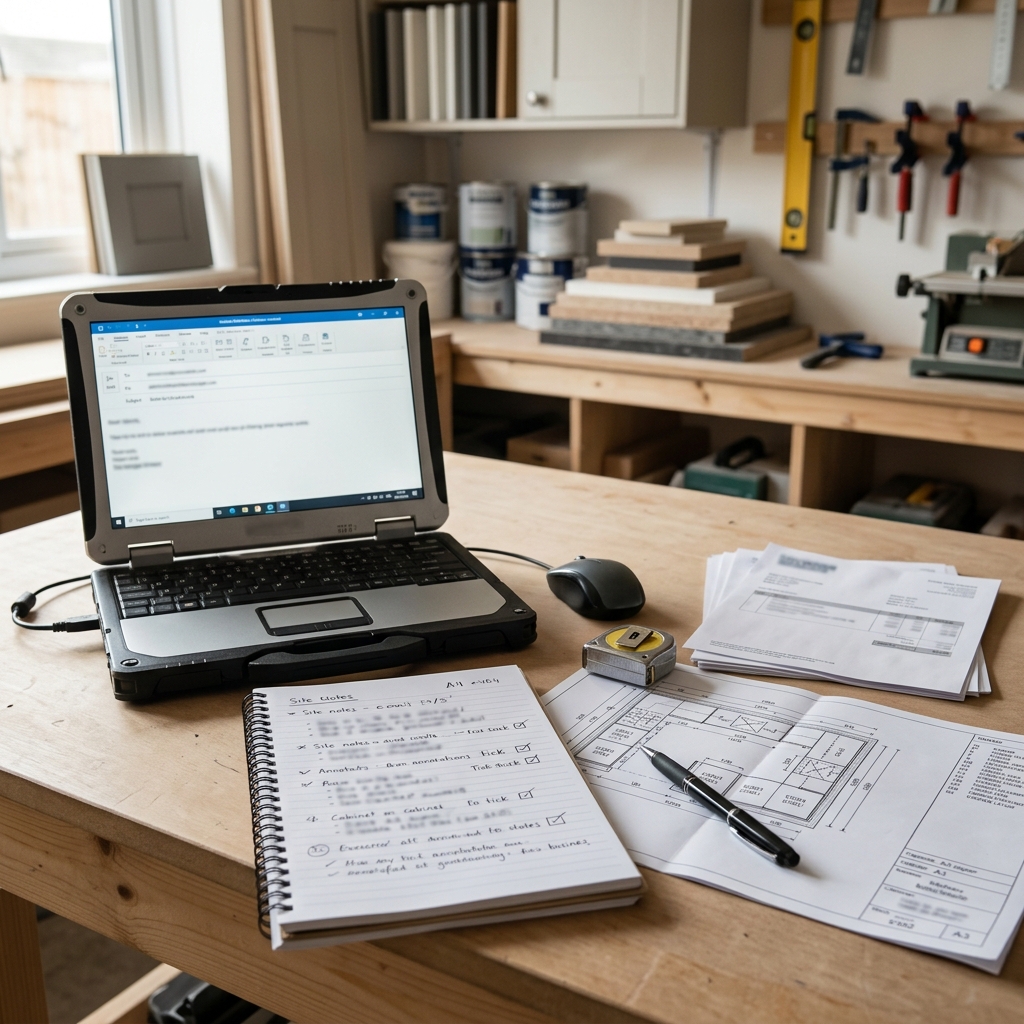
The supplier has just told you a tall larder unit is delayed. The customer is asking whether the fit can still start on Monday. The electrician has another job booked after yours. The worktop templater needs the base units in before they can attend. And you need to reply without making the situation worse.
For many independent kitchen fitting business owners, the awkward part is not always the delay itself. It is wording the update clearly when not every fact is confirmed yet. A rushed message can accidentally promise a date, imply a supplier guarantee, suggest there will be no extra cost, or make a technical conclusion before you have checked the job properly.
This is where AI can be useful, if it is kept in the right place. An AI toolkit for kitchen fitting business owners should not make installation decisions for you. But AI can help turn your confirmed job notes into a calmer first draft, with clearer wording about what is known, what is being checked and what happens next.
This guide shows a simple, cautious workflow for using AI to draft supplier delay, kitchen installation schedule updates, snagging and aftercare messages without overpromising. It is practical communication guidance, not legal, contractual, warranty or technical advice. You remain responsible for checking the facts and deciding what to send.
Quick answer: Kitchen fitting business owners can use AI safely for supplier delay and schedule updates by gathering confirmed job facts first, separating open questions from promises, asking AI for a calm first draft, and then reviewing every date, cost, technical statement and commitment before sending.
- Use AI to organise notes and improve wording.
- Do not use AI to confirm supplier availability, revised installation dates, warranty outcomes, extra costs or technical fixes.
- If something is not confirmed, say it is currently being checked.
- Always review the final message yourself before it reaches the customer.
If you want the shortcut version of this workflow, the Starter AI Toolkit for UK Kitchen Fitting Business Owners includes ready-made prompts designed for practical kitchen fitting communication tasks. Use them as drafting support for clearer messages, while still checking every date, cost, supplier update, warranty point and final commitment yourself.
Affiliate disclosure: This article may contain an affiliate link, which means SBA Shortcut Shelf may earn a commission, at no extra cost to you. For independent kitchen fitting businesses that want a clearer way to organise enquiries, quotes, job schedules, customer notes, invoices and payments before drafting customer updates, Tradify is one option to consider.
Why delay and schedule messages are risky for kitchen fitters
Kitchen fitting jobs have a lot of moving parts. A small delay in one part of the chain can affect several people and stages: cabinets, doors, appliances, worktops, plumbing, electrics, flooring, tiling, decorating, site access and customer decisions.
That does not mean you need to hide bad news. Most customers would rather have a clear update than silence. The risk is sending a message that sounds more certain than the job actually is.
Risky wording often creeps in when you are busy between site visits. For example:
- Promising a firm date too early: The missing doors will definitely be here by Thursday, so we will finish Friday.
- Implying a supplier guarantee: The supplier has guaranteed this will not happen again.
- Confirming no extra cost before checking: There will be no additional charge for this change.
- Saying a snag is resolved before inspection: That issue is sorted now.
Those sentences may be well meant, but they can create expectations you may not be able to stand behind later. If the item moves again, the worktop template is pushed back, or the snag needs a different fix after inspection, the customer may feel you have gone back on your word.
A safer message is accurate, calm and fair. It tells the customer what you know, what you do not yet know, what you are checking and when you expect to update them next, if you can genuinely give that next update timing.
What AI should and should not do in this workflow
AI is best treated as a drafting assistant in this workflow. It can help you turn messy job notes into a clearer customer message, especially when you are tired, under pressure or trying to avoid sounding blunt.
Used carefully, AI for kitchen fitting business owners can help with wording, structure and tone. It can produce a first draft for an email, a shorter text message, or a WhatsApp-style update. It can also flag places where your wording might sound like a promise.
AI can help with
- Drafting customer updates from confirmed notes you provide.
- Rewriting a blunt message so it sounds calmer and more professional.
- Creating a shorter version for text or WhatsApp-style communication.
- Listing questions you still need to check before replying.
- Separating confirmed facts from open checks if you make the status clear.
AI should not decide or confirm
- Live supplier availability or delivery dates.
- Whether an installation stage is technically feasible.
- Final costs, credits, discounts or extra charges.
- Warranty outcomes or whether something is covered.
- Legal responsibility, liability or contractual position.
- Final revised dates unless you have already confirmed them.
- Technical fixes unless you have inspected and decided the next step.
You should also avoid pasting unnecessary customer personal data, financial details or dispute-sensitive notes into public AI tools. Use job references, initials or placeholders where possible, and only include the information needed to draft the message.
The confirmed facts first checklist
Before asking AI to write anything, complete a simple confirmed facts checklist. This keeps the AI draft grounded in what you actually know, rather than letting it fill gaps with confident-sounding guesses.
The checklist does not need to be fancy. It can sit in your job management system, a document, a note app or a repeatable form. The important part is that you separate confirmed facts from open checks before you ask for a kitchen fitting customer update draft.
If your job notes, schedules, quotes and invoices are scattered across messages and paper, customer updates become harder to write accurately. Some trade businesses use job management software to keep this information in one place before drafting updates. For example, Tradify may be relevant if you want an optional tool for organising enquiries, quotes, jobs, schedules, notes, invoices and payments. It should still be treated as an organiser of job information, not a tool that verifies supplier stock, installation feasibility, warranty positions or customer commitments.
Once the facts are gathered, AI has a much better starting point. Instead of asking it to guess what to say, you are asking it to turn your confirmed position into clearer wording.
A simple AI drafting process for supplier delay updates
Use this process when a supplier delay, missing item or component issue affects a kitchen installation schedule.
- Gather confirmed notes. Include the job stage, affected item, latest supplier update, original plan and known impact.
- Mark unknowns clearly. Write not confirmed yet, currently checking or waiting for supplier update beside anything that is still open.
- Ask AI for a customer-friendly first draft. Tell it to use only the confirmed notes and avoid inventing dates, costs or guarantees.
- Ask AI to flag promises. Get it to identify any sentence that sounds too definite.
- Edit dates, costs and commitments manually. Replace vague AI wording with the exact facts you are prepared to stand behind.
- Send only when you are comfortable. The final message should reflect the real position, not just what sounds reassuring.
A useful prompt could be:
Act as a drafting assistant for a UK kitchen fitting business. Using only the confirmed notes below, draft a calm customer update about a supplier delay. Do not invent dates, costs or guarantees. Clearly say what is confirmed, what is still being checked and when I will update the customer next if I provide that information. Confirmed notes: [paste notes].
A rushed draft might say: The missing unit will arrive Thursday and we will still finish this week. A safer AI-assisted version, after your review, might say: The information I have at the moment is that the missing unit is delayed and I am currently checking the revised delivery position with the supplier. I am also checking what this means for the next fitting stage. I will update you once this is confirmed.
Useful cautious wording includes subject to confirmation, currently checking, the information I have at the moment, based on the current supplier update and I will update you once confirmed. These phrases help you communicate without pretending the uncertainty has disappeared.
Using AI for installation schedule, snagging and aftercare messages
Supplier delays are only one type of update. The same careful drafting method can help with customer choices, schedule shifts, snagging and aftercare, provided you keep the decisions human-led.
Scenario 1: a missing customer choice delays the next stage
If the customer has not confirmed handles, splashback choice or appliance model, AI can help you write a polite nudge. The message should explain what choice is needed, why it matters and what may be affected if the decision remains outstanding.
For example: To keep the next stage moving, I still need confirmation of the handle choice. Without that, I cannot confirm the fitting sequence for those doors and drawers. Once you send the choice over, I can check the next available step and update you.
Scenario 2: a delayed component shifts the installation schedule
If a delayed panel, cabinet, door, appliance or worktop-related item affects the programme, AI can help create a clear kitchen installation schedule update. The message should separate the supplier status from your revised plan.
For example: The supplier update I have at the moment is that the appliance is delayed. I am checking the revised delivery position and what can sensibly continue on site before it arrives. I will confirm the next fitting steps once I have checked the knock-on effect.
Scenario 3: a snagging or aftercare issue needs a calm response
Snagging and aftercare messages need particular care. AI can help acknowledge the issue and explain the next sensible step, but it should not admit fault, confirm warranty cover, promise a technical fix or allocate cost responsibility unless you have already checked and decided that position.
A useful prompt is:
Create a short snagging or aftercare update for a kitchen fitting customer from the notes below. Acknowledge the issue, explain the next sensible step, and avoid admitting fault, confirming warranty cover or promising a technical fix unless the notes clearly say so. Notes: [paste notes].
Before confirming an outcome, inspect where needed, check your records, consider any supplier or manufacturer position, price any additional work if relevant, and use your trade judgement. AI can help with wording; it should not decide the technical answer.
Final review: the promises check before you send
Before any AI-drafted customer update leaves your business, do a final promises check. Read it as if the customer might rely on every sentence when making plans, booking time off work or agreeing the next stage.
- Dates: Have you only included dates you are prepared to stand behind? If not, say the date is being checked or is subject to confirmation.
- Costs: Have you avoided saying there will be no extra cost unless you have checked and decided that?
- Supplier claims: Have you avoided making guarantees on behalf of a supplier?
- Warranty comments: Have you avoided confirming cover unless you have checked the position?
- Technical conclusions: Have you avoided saying what caused the issue or how it will be fixed before inspection or review?
- Customer responsibilities: If the customer needs to choose, approve or provide access, is that explained clearly and fairly?
- Tone: Does the message sound calm and helpful without sounding dismissive?
- Next update timing: If you have promised another update, can you realistically provide it?
Replace vague AI wording with the real facts you are prepared to stand behind. If the AI draft says we should be able to finish next week but you have not confirmed the supplier date, labour availability or knock-on stages, change it to something more accurate.
A safer final message is not always the most comforting message. It is the one that is clear, honest and properly checked.
Kitchen Fitting Delay and Schedule Update Checklist
Use this checklist before asking AI to draft supplier delay messages for kitchen fitters, installation schedule updates, snagging notes or aftercare replies. It is not a legal document. It is a practical way to keep confirmed facts separate from open checks.
1. Job basics
- Customer name or initials:
- Job reference or address placeholder:
- Current installation stage:
- Main contact method: email, text, phone follow-up or WhatsApp-style message:
2. Confirmed supplier or job update
- Supplier update received:
- Date or time the update was received:
- Item affected, such as cabinet, door, panel, worktop, appliance, sink, tap or accessory:
- What was originally planned:
- What is definitely confirmed now:
3. Known impact on the fitting schedule
- Which stage may be affected:
- Which trades or appointments may be affected:
- Whether worktop templating, appliance fitting, plumbing, electrics, tiling or finishing may need review:
- Any confirmed revised plan:
4. Customer choices still needed
- Choices still outstanding:
- Why the choice matters:
- What may happen if the choice is delayed:
- Decision deadline, only if you are prepared to stand behind it:
5. Open checks and unknowns
- What is not yet confirmed:
- What you are checking with the supplier:
- What you are checking against your own diary or trade availability:
- What needs inspection before you comment further:
- Any cost, warranty or technical point that must not be promised yet:
6. What you are prepared to offer or explain
- What you can explain confidently:
- What you can offer as the next sensible step:
- What you are not prepared to confirm yet:
- When you can provide the next update, if confirmed:
7. AI drafting instruction
- Preferred tone: calm, clear, polite and practical.
- Preferred length: short text, fuller email or WhatsApp-style draft.
- Instruction to AI: use only confirmed notes, keep unknowns as unknown, and flag any sentence that sounds like a promise.
8. Final owner review
- Check every date.
- Check every cost comment.
- Check every supplier statement.
- Check every warranty or responsibility comment.
- Check every technical conclusion.
- Remove or soften anything you cannot stand behind.
- Send only when the final wording reflects the real position.

