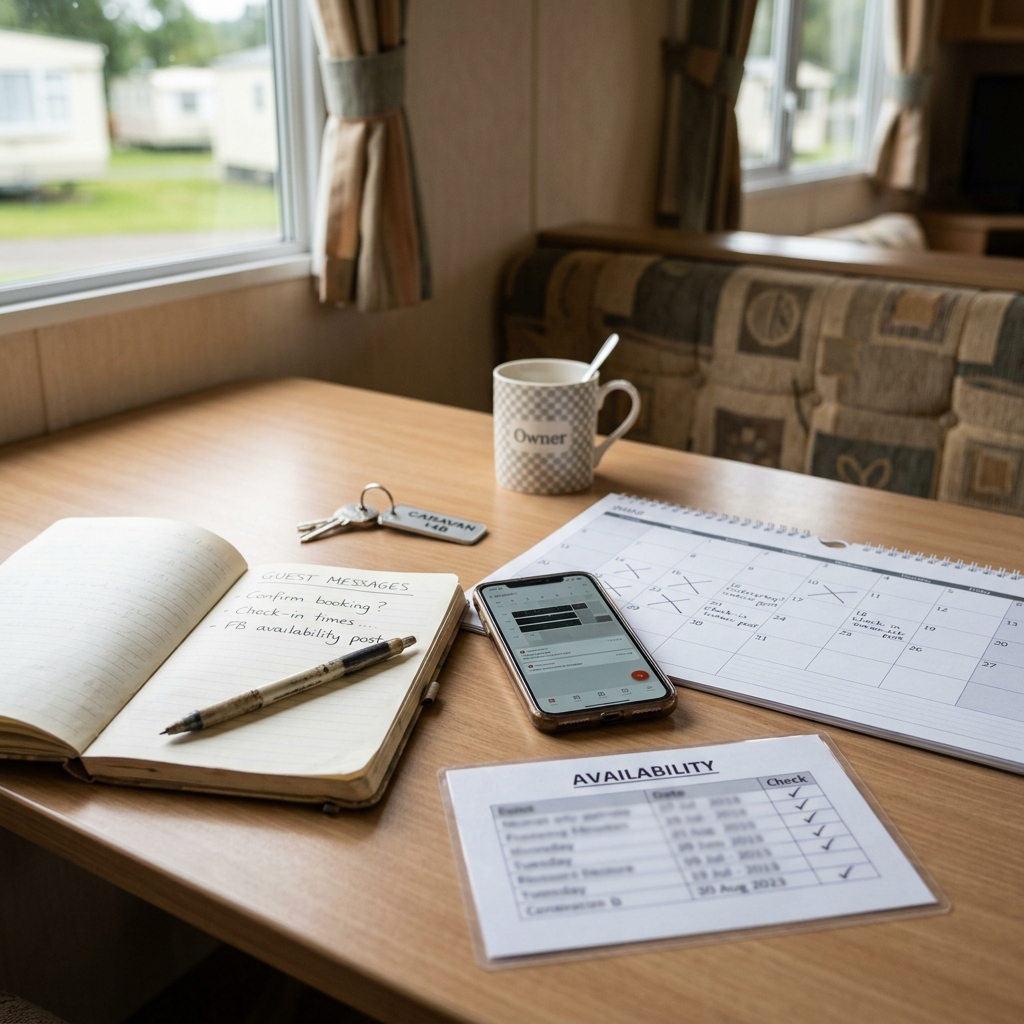
You have a few spare dates to fill, a Facebook post half-written on your phone, and three messages asking roughly the same thing: is the caravan available, how much is it, is bedding included, are dogs allowed, and what time can guests arrive?
If you rent out your own static caravan directly through Facebook groups, repeat guests, referrals or local contacts, the admin can quickly become repetitive. You may know the answers, but writing them clearly every time takes energy, especially when you are doing it around work, family or changeovers.
This is where AI can be useful. Not as a booking manager. Not as someone deciding your prices, park rules, deposit process or guest promises. But as a drafting helper that turns your rough notes into clearer guest messages, Facebook availability posts and simple FAQs.
This guide shares practical AI prompts for static caravan holiday letting, with a simple owner-review process built in. It is practical communication guidance only, not legal, tax, insurance, park-rule or platform-policy advice. You should always check every date, price, availability detail, deposit wording, bedding note, rule and arrival instruction before sending or posting anything drafted by AI.
Quick answer: AI can help static caravan holiday let owners draft clearer Facebook availability posts, enquiry replies, guest FAQs and guest information messages from rough notes. It is safest when you use it for wording, structure, tone and consistency, while you stay in control of the facts.
- Give AI the confirmed details you want included.
- Tell it not to add anything you have not provided.
- Check dates, prices, availability, deposits, bedding, rules and arrival details before use.
- Edit the wording so it sounds like you, not a formal call centre.
- Save checked replies as reusable templates for next time.
If you want the shortcut version of this workflow, the Starter AI Toolkit for Static Caravan Holiday Let Owners (UK) packages ready-made prompt patterns and message workflows for common caravan letting admin. You can still use the guidance in this article on its own, but the Starter Toolkit gives you a more organised starting point if you are ready to put it into practice.
Affiliate disclosure: This article may contain an affiliate link, which means SBA Shortcut Shelf may earn a commission, at no extra cost to you. For private caravan owners turning checked availability copy into clearer Facebook graphics, VistaCreate is one option to consider.
Where AI Fits in a Small Caravan Letting Setup
For a private static caravan owner, AI is most useful in the messages you already write again and again. It can help you make a rough note shorter, friendlier, better structured or easier for guests to scan.
For example, you might already have notes on available dates, prices, sleeping arrangements, bedding, arrival time, parking, pet rules, smoking rules, deposit wording and the balance due date. AI can take those notes and turn them into a clearer draft for a Facebook post, a guest reply or a pre-arrival message.
The important boundary is this: AI should help with the wording, not the decision. It should not choose your prices, decide whether a guest can book, create your booking terms, interpret park rules, advise on insurance or tell you what Facebook groups allow. Those decisions and checks stay with you.
Think of AI as a tidy-up assistant for your caravan letting admin. It can help with:
- Tone: making a reply sound friendly, calm and polite.
- Structure: putting information in a sensible order.
- Shorter wording: reducing long messages without losing meaning.
- Bullet points: making dates, prices and what is included easier to read.
- Consistency: helping repeated replies sound similar once you have checked them.
You remain responsible for checking the facts before anything is sent. If a guest relies on the message, the final wording needs to match your actual availability, your confirmed price, your own booking process and the rules that apply to your caravan.
The Simple Rule: Give AI the Facts, Then Check the Draft
The easiest way to use AI safely for caravan holiday let guest messages is to follow a repeatable order: collect the facts, ask AI to draft, check the details, edit the voice, then send or post.
AI is not a mind reader. If you leave out an important detail, it may produce a message that sounds tidy but is incomplete. If you ask it to make something sound more appealing, it may be tempted to add wording you did not mean. So your prompt should be clear: use only the details provided and do not invent anything.
Facts to prepare before asking AI
- Exact dates available.
- Number of nights.
- Confirmed price or price range, if you are including one.
- Your existing deposit wording, if you use one.
- Balance due date, if relevant to the message.
- Bedding details, such as whether bedding is included or guests bring their own.
- Pet, smoking or group rules where applicable.
- Arrival and departure times.
- What is included, such as passes, parking or basic items, if you have confirmed this.
- What guests need to bring.
- How the guest should book or ask the next question.
Before pasting anything into an AI tool, remove unnecessary personal guest data. You usually do not need to include a guest's full name, phone number, address, payment details or private family information to draft a clearer reply. Use placeholders where possible, such as guest, family of four or returning guest.
A simple working rule is: if the information affects money, dates, access, rules or guest expectations, you check it manually before it leaves your phone or laptop.
Using AI for Facebook Availability Posts
Facebook availability posts for caravan letting need to be easy to skim. People want to know when the caravan is available, where it roughly is, how many it sleeps if you choose to include that, what the main guest-friendly features are, and how to contact you.
Once the wording and availability details have been checked, VistaCreate is one optional way to turn the post into a reusable branded Facebook graphic. The owner still needs to verify every date, price, facility and booking instruction before publishing.
AI can help turn a messy note into a clearer post. It can group information into short lines, remove waffle and make the post feel friendly without becoming over-the-top.
What to include in a clear availability post draft
- Available dates and number of nights.
- Park, resort or broad location wording, if appropriate for your usual posting style.
- How many the caravan sleeps, if you have confirmed that wording.
- Key features guests often ask about, such as decking, parking, pet-friendly status or nearby facilities, only if accurate.
- Confirmed price, if you are including it.
- How to contact you, such as message me for details.
- A short note that availability can change.
Before and after example
Rough owner note: 12 to 15 Aug free, 3 nights, caravan at park near Skegness, sleeps 6, decking, no smoking, dogs by agreement, message me, price confirmed at £X if I decide to include it.
AI-assisted draft style: August availability for our static caravan near Skegness. 12 to 15 August, 3 nights. Sleeps 6, with decking. No smoking. Dogs by agreement. Message me for booking details. Availability can change, so please check before making plans.
The second version is not magic. It is simply easier to read. You still need to check the dates, price if used, sleeps wording, pet wording, location wording and any booking instruction before posting.
A useful prompt for this is:
Turn these rough notes into a clear, friendly Facebook availability post for my static caravan holiday let. Keep it short, use UK English, and do not add any details I have not given you. Notes: [paste dates, number of nights, confirmed price if using one, park/location wording, sleeps number, key features, booking contact method].
Owner check: Before posting, confirm the final dates, price, availability, park or location wording and booking instructions. Do not allow AI to invent facilities, discounts, availability or offers.
Using AI for Enquiry Replies and Repeated Guest Questions
Most caravan owners have a small set of questions they answer repeatedly. Is that weekend still available? Is bedding included? How much is the deposit? What time can we arrive? Can we bring a dog? What do we need to bring?
AI can help you draft polite replies without starting from a blank message every time. The key is to give it the guest's question and your confirmed details, then ask for a friendly but direct answer.
A simple reply structure
- Thank them: acknowledge the enquiry.
- Answer directly: do not make them hunt for the main answer.
- Give key details: include only what is relevant to that question.
- Explain the next step: tell them how to confirm, ask for details or continue the conversation.
- Invite questions: keep the tone open and helpful.
Try to avoid replies that sound too robotic. If AI gives you wording such as we are delighted to inform you or kindly be advised, simplify it. Most private caravan guests are expecting a helpful owner message, not corporate wording.
Here is a prompt you can reuse:
Draft a polite reply to a guest enquiry using only the details below. Answer their question clearly, mention the next step, and keep the tone friendly but not pushy. Guest question: [paste question]. My confirmed details: [paste availability, price, deposit wording, bedding information, pet or rule details if relevant].
Owner check: Remove unnecessary personal data before using AI. After the draft is written, check any guest-specific detail and make sure the reply matches your actual booking process before sending.
Once you have a reply that works, save it as a reusable template. You might keep one version for availability enquiries, one for bedding questions, one for pet questions and one for arrival information. The next time a similar question comes in, you can adjust the template instead of rewriting everything from scratch.
Using AI to Make Deposits, Bedding and House Rules Clearer
Some of the most common misunderstandings in private caravan letting come from small wording gaps. A guest may not realise whether bedding is included. They may be unclear on when the balance is due. They may assume towels, passes or certain items are included when they are not. They may miss a smoking, pet or arrival instruction if it is buried in a long message.
AI can help make your existing wording clearer. For example, it can turn one long paragraph into headings such as Deposit, Balance, Bedding, Arrival, What to Bring and House Rules. This makes it easier for guests to read and easier for you to check.
However, there is a firm boundary. AI can reword your existing terms into plain English, but it should not decide your deposit amount, cancellation approach, park rules, insurance position or guest contract wording. If you are unsure about any of those areas, use your own agreed process and seek appropriate advice from the right person rather than relying on AI.
Information worth keeping in one master version
- Deposit wording you already use.
- Balance due wording you already use.
- What is included, such as bedding, passes or parking, if applicable.
- What guests need to bring, such as towels or bedding if not supplied.
- Cleaning expectations you already communicate.
- Smoking and pet wording you already use.
- Arrival, departure and key collection instructions.
Keep one master version of important wording and update it carefully. If you ask AI to rewrite from scratch every time, you may end up with small variations that cause confusion. A better approach is to approve one clear version, save it, and only change it when your actual process changes.
A useful prompt for tidying longer guest information is:
Rewrite this guest information message so it is easier to read. Use headings and bullet points. Do not change the meaning and do not add new rules. Text to rewrite: [paste arrival, bedding, parking, check-in, check-out and what-to-bring information].
Owner check: Compare the rewritten version with your original. Confirm that no rule, time, fee, instruction or promise has been changed.
A Weekly AI Message Workflow for Busy Caravan Owners
If you only use AI when you are already rushing to reply to someone, it can feel like another job. It works better when you build a small weekly habit around your usual caravan admin.
You do not need a complicated system. Ten focused minutes with your calendar, your notes and your usual message app can be enough to prepare clearer drafts for the week ahead.
A simple weekly flow
- Review your calendar: check what is definitely available and what is already booked or held.
- List available dates: write the dates, number of nights and any confirmed price you plan to mention.
- Note important details: include bedding, pet wording, arrival times, what is included and any guest reminders that matter that week.
- Draft one availability post: ask AI to turn your notes into a clear Facebook post or page update.
- Draft likely replies: prepare answers for common questions about dates, bedding, deposits, dogs, passes or arrival.
- Update your guest FAQ: add any question that keeps coming up.
- Check everything: manually confirm dates, prices, rules, bedding and arrival details.
- Save approved text: keep the final wording in your notes app, document or message templates.
This gives you a small bank of checked messages before the enquiries arrive. You can still personalise each reply, but you are not starting from nothing every time someone asks a familiar question.
The aim is not to make your caravan letting feel automated or impersonal. It is to make the routine communication clearer, quicker to review and less likely to leave guests guessing.
The 5-Step Caravan Owner AI Message Workflow
Use this workflow whenever you want AI to help with caravan holiday let guest messages, Facebook availability posts or simple guest information. It keeps the owner in control of the important details.
1. Write the facts first
Before opening your AI tool, write the confirmed facts in plain notes. Include dates, number of nights, price if you are using one, deposit wording, bedding details, pet or smoking wording, arrival and departure times, what is included, what guests need to bring and how to book.
2. Ask AI for a clear draft
Tell AI exactly what type of message you want. For example: a short Facebook availability post, a polite reply to an enquiry, or a clearer version of guest information. Add this instruction: use only the details provided and do not add anything new.
3. Check dates, prices and rules
Read the draft slowly before using it. Check availability, prices, deposit wording, balance dates, bedding, passes, pets, smoking, arrival times, parking and any guest-specific promise. If anything is wrong or unclear, correct it yourself.
4. Make it sound like you
AI drafts can sometimes sound too formal. Change the wording so it matches how you normally speak to guests. Friendly, clear and calm is usually better than over-polished.
5. Save the approved version for next time
Once you have checked a message and used it successfully, save it as a template. Keep a small set of approved replies for common questions so you can adapt them next time rather than rewriting from scratch.
Prompt examples to keep handy
Turn these rough notes into a clear, friendly Facebook availability post for my static caravan holiday let. Keep it short, use UK English, and do not add any details I have not given you. Notes: [paste dates, number of nights, confirmed price if using one, park/location wording, sleeps number, key features, booking contact method].
Safety note: Check the final dates, price, availability, park or location wording and booking instructions before posting. AI must not invent availability, facilities or offers.
Draft a polite reply to a guest enquiry using only the details below. Answer their question clearly, mention the next step, and keep the tone friendly but not pushy. Guest question: [paste question]. My confirmed details: [paste availability, price, deposit wording, bedding information, pet or rule details if relevant].
Safety note: Remove unnecessary personal data, check guest-specific details and make sure the reply matches your actual booking process before sending.
Rewrite this guest information message so it is easier to read. Use headings and bullet points. Do not change the meaning and do not add new rules. Text to rewrite: [paste arrival, bedding, parking, check-in, check-out and what-to-bring information].
Safety note: Compare the rewritten version with your original and confirm that no rule, time, fee, instruction or promise has been changed.