Event Operations Manager
Corporate Conference & Exhibition Organisers
Events & Conferences
Small Business
United Kingdom

AI Shortcuts for UK Event Operations Managers Delivering Corporate Conferences and Exhibitions

Role-specific PDF toolkits for using AI to draft, organise and review venue, supplier, exhibitor, speaker, crew, run sheet, handover and post-event operations admin.

A role-specific AI toolkit family for UK event operations managers who coordinate venues, suppliers, exhibitors, speakers, temporary crews, transport, run sheets, event-day handovers and post-event reviews for corporate conferences and exhibitions.
Digital PDF toolkits
Starter, Advanced and Bundle options
Secure download links by email
Human review encouraged

Choose your toolkit option

Start with quick prompts, go deeper with workflows, or get both PDFs together.

Products are delivered digitally. No physical item is shipped. Purchases are also covered by a 30-day money-back value guarantee.

Built For Your Role

A toolkit shaped around

Event Operations Manager

work in the

Events & Conferences

industry

Designed To Support

Event operations managers in UK corporate conference and exhibition businesses who coordinate venues, suppliers, exhibitors, speakers, temporary crews, transport, run sheets and event-day contingencies.

How It Helps

Use AI as a practical drafting, organising and review-preparation assistant for clearer venue and supplier communications, exhibitor and speaker information, run-sheet checks, temporary staff briefings, contractor-hour summaries and post-event operational learning.

The work you handle

Designed around the tasks, challenges, communication, coordination and admin work handled by individuals currently between roles.

The AI gap it solves

A role-specific AI toolkit family for UK event operations managers who coordinate venues, suppliers, exhibitors, speakers, temporary crews, transport, run sheets, event-day handovers and post-event reviews for corporate conferences and exhibitions.

The review that still matters

The toolkit positions AI as admin and drafting support only. Human review remains required, and AI must not make security, crowd-safety, accessibility, licensing, emergency-response, legal, contractual, payroll, tax or final operational decisions.

Choose the event operations AI toolkit that fits how you want to work

Start with quick role-specific prompts, go deeper with repeatable workflows, or buy both PDFs together for the best-value option.

Quick start
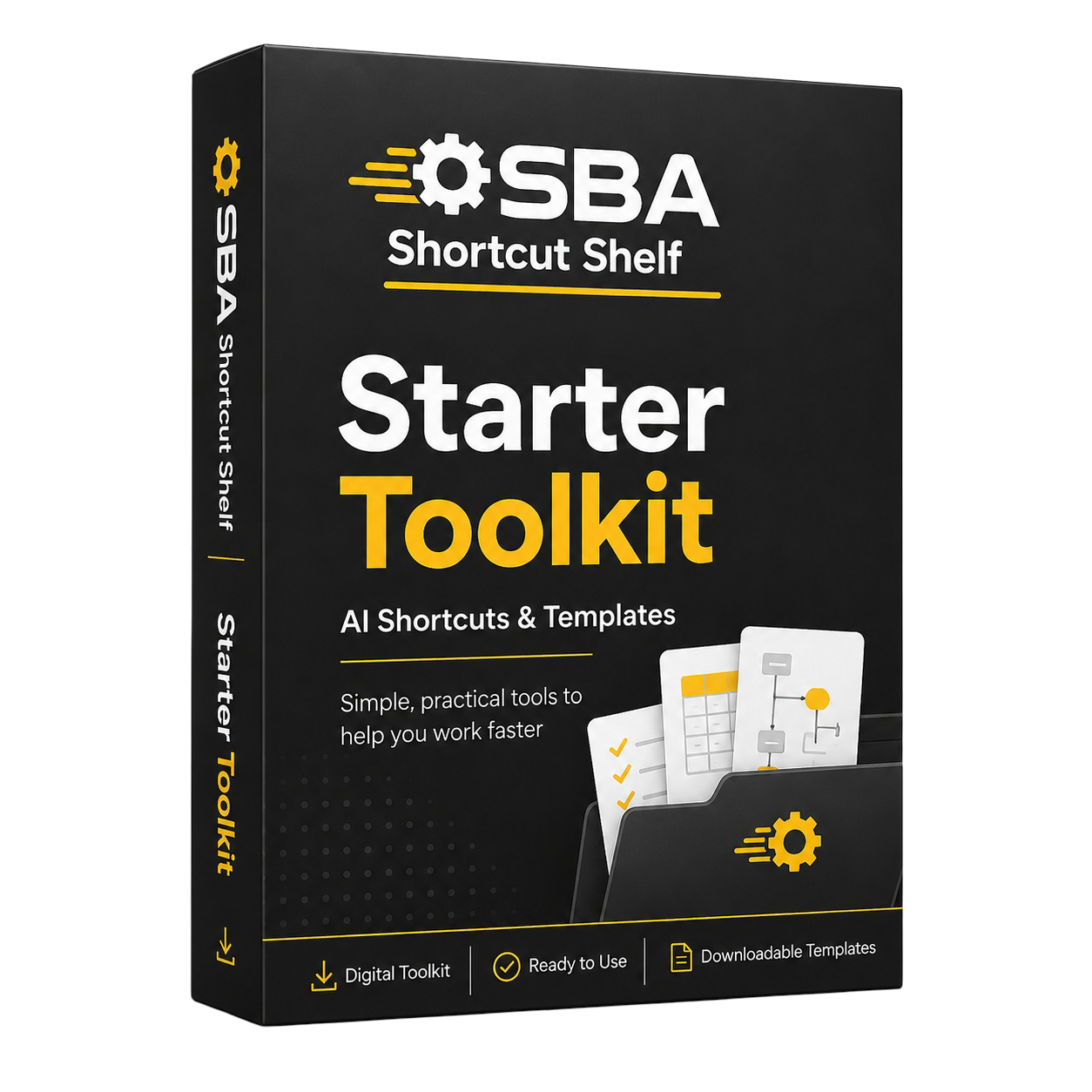
Starter Toolkit

Starter AI Toolkit

25 beginner-friendly AI prompts for everyday event operations admin and checks.

• 5 role-specific prompt categories for venue, supplier, exhibitor, speaker, crew, run sheet, handover and post-event admin tasks.

• 25 beginner-friendly AI prompts written for UK corporate conference and exhibition operations.

• 3 quick wins for delivery timing summaries, contact sheet checks and event-day handover drafts.

• Plain-English guidance for using AI as a safe drafting, organising and review-preparation assistant.

• Practical reminders to protect sensitive contact, travel and operational information.
£8.99
Get Instant Access
Deeper workflows
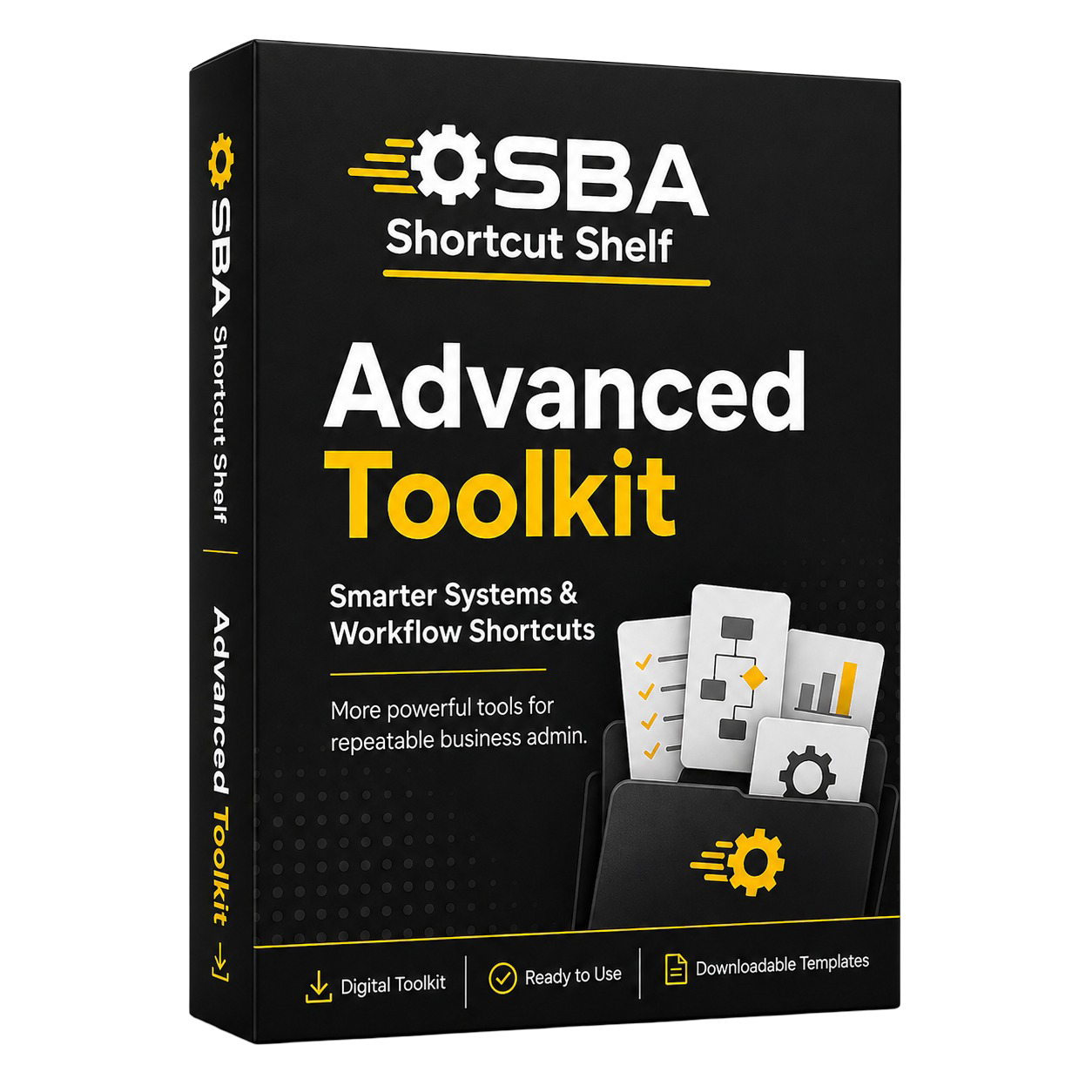
Advanced Toolkit

Advanced AI Toolkit

50 prompts plus templates, playbooks and SOP-style checklists for repeatable event operations workflows.

• 5 advanced workflow categories covering lifecycle readiness, run-sheet dependency review, external partner control, distributed people admin and event-day improvement systems.

• 50 advanced AI prompts for connected event operations workflows.

• 10 templates and frameworks for readiness dashboards, coordination briefs, dependency cards, contact control and improvement actions.

• 5 workflow playbooks for repeatable event operations routines.

• 5 SOP-style checklists and 5 power user prompt frameworks.

• Clear human-review boundaries for safety, licensing, accessibility, emergency-response and final operational decisions.
£19.99
Get Instant Access
Best value
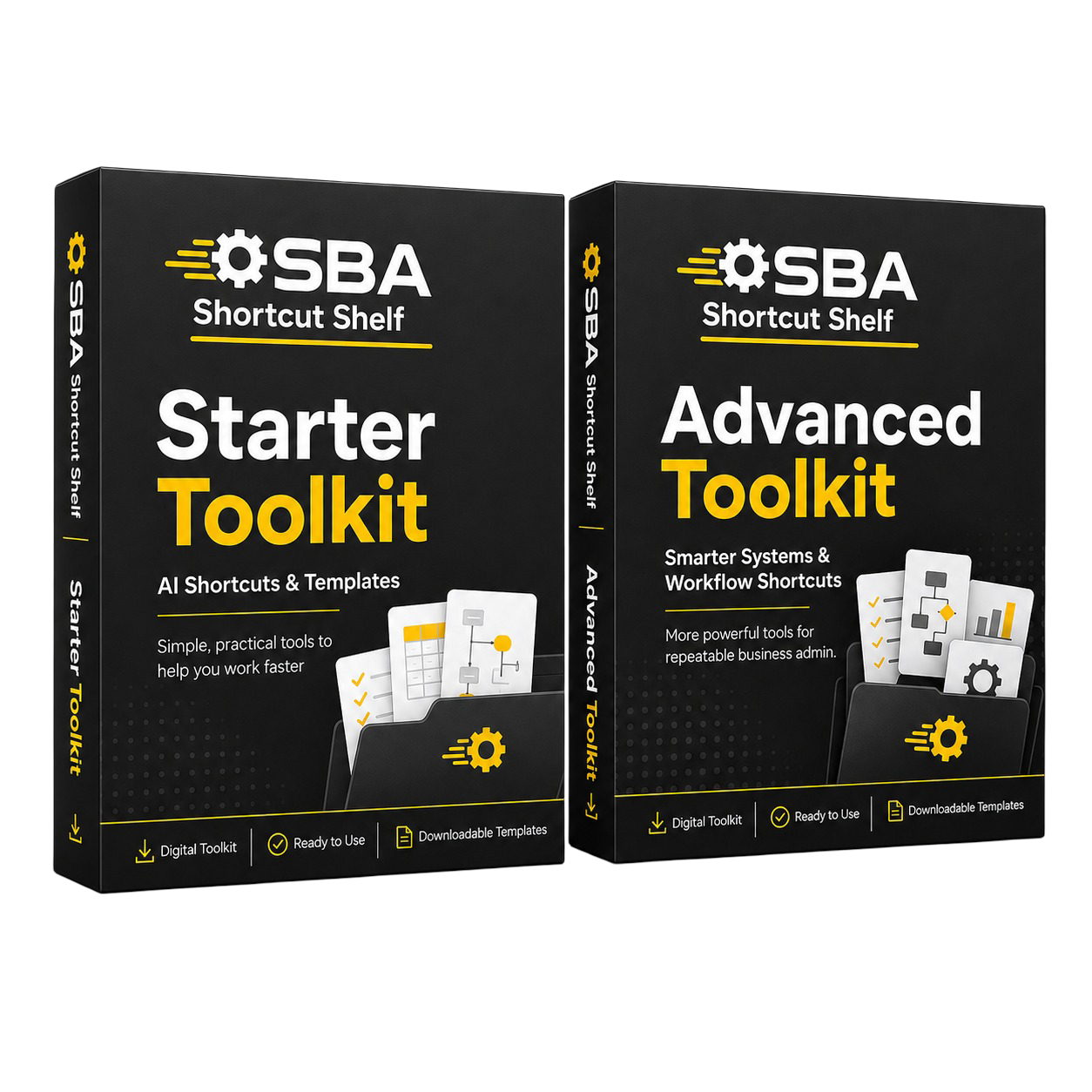
Bundle Pack

AI Toolkit Bundle

Best-value option including both the Starter Toolkit PDF and Advanced Toolkit PDF.

• Starter Toolkit PDF: 5 prompt categories, 25 beginner-friendly prompts and 3 quick wins for everyday event operations admin.

• Advanced Toolkit PDF: 5 advanced workflow categories, 50 prompts, 10 templates and frameworks, 5 workflow playbooks, 5 SOP checklists and 5 power user prompt frameworks.

£24.99
Save £3.99
Get Instant Access

Compare Starter, Advanced and Bundle

Choose the option that fits how much support you want. Starter gives you quick prompts, Advanced gives you deeper workflows, and Bundle includes both PDFs together.

Feature
Starter Toolkit
Advanced Toolkit
Bundle Pack
Main focus
Quick-use AI prompts for everyday tasks.
Structured workflows, templates, SOP-style checks and review frameworks.
Both the quick-start prompt layer and the deeper workflow layer in one purchase.
Best suited to
Beginners who want a practical low-cost starting point.
Users who want more repeatable processes and deeper workflow support.
Buyers who want both PDFs together or are buying for a small team.
Included files
Starter Toolkit PDF.
Advanced Toolkit PDF.
Starter Toolkit PDF and Advanced Toolkit PDF.
Content depth
Prompts, quick wins and simple guidance.
Advanced prompts, templates, workflows, checklists and frameworks.
The full contents of both included PDFs.
Price
£8.99
£19.99
£24.99
Best next step
Start here if you want quick practical support.
Choose this if you want deeper structure.
Choose this if you want the best-value combined option.
The Bundle includes two digital files only: the Starter Toolkit PDF and the Advanced Toolkit PDF.
Starter Toolkit

Quick AI shortcuts for everyday event operations admin

Product Image
Use beginner-friendly prompts to draft clearer supplier messages, organise exhibitor and speaker details, check run sheets and prepare event-day handovers.
A beginner-friendly PDF with 25 practical AI prompts and 3 quick wins for everyday event operations admin, communication and document checks.
£8.99
Choose & Check Out
Practical, role-specific and designed for human-reviewed use.
Review all AI outputs before sending or relying on them.

What this option helps with

• Draft operational messages faster
Create first drafts for supplier chases, venue information requests, contractor arrivals and internal status updates from confirmed details.

• Organise stakeholder information
Turn exhibitor, speaker, crew and temporary staff notes into clearer arrival, travel and briefing drafts.

• Check documents before sharing
Structure event-day notes, internal change updates and end-of-day wrap notes so the next person has a better starting point.

• Close out post-event admin
Summarise contractor-hour notes, expense admin points, debrief questions and supplier follow-ups without treating AI as finance or payroll advice.

What’s included

• 5 role-specific prompt categories for venue, supplier, exhibitor, speaker, crew, run sheet, handover and post-event admin tasks.

• 25 beginner-friendly AI prompts written for UK corporate conference and exhibition operations.

• 3 quick wins for delivery timing summaries, contact sheet checks and event-day handover drafts.

• Plain-English guidance for using AI as a safe drafting, organising and review-preparation assistant.

• Practical reminders to protect sensitive contact, travel and operational information.

Who it is for

• Event Operations Managers in UK corporate conference and exhibition organising businesses.
• Beginner AI users who want practical prompts rather than technical AI theory.
• Busy managers coordinating venues, suppliers, exhibitors, speakers, crew, transport and run sheets.
• Small teams that want clearer drafts and admin checks without building a complex system.

Who it is not for

• Anyone looking for AI to make security, crowd-safety, accessibility, licensing or emergency-response decisions.
• Teams needing legal, tax, payroll, accounting or compliance advice.
• Buyers who want the deeper workflow playbooks, SOP checklists and templates included in the Advanced Toolkit.

Advanced Toolkit

Build more repeatable AI-supported event operations workflows

Product Image
Move beyond quick drafts into readiness rhythms, dependency reviews, supplier control systems and post-event improvement routines.
A deeper PDF with 50 advanced prompts, templates, playbooks, SOP-style checklists and frameworks for repeatable event operations workflows.
£19.99
Choose & Check Out
Workflow support for human-reviewed event operations, not autonomous decision-making.
Verify outputs against current venue procedures, supplier facts, organisation policy and responsible human judgement.

What this option helps with

• Event lifecycle readiness rhythm
Create repeatable pre-event, event-week, event-day and closeout routines with readiness reporting structures.

• Run-sheet dependency reviews
Use AI to prepare checks for dependencies, missing information, unclear ownership and escalation questions for human review.

• Supplier and contractor control systems
Standardise supplier status logs, venue action trackers, contractor-hour summaries and closeout review notes.

• Travel and workforce administration systems
Organise speaker travel, exhibitor arrival information, accommodation notes, crew movement and temporary workforce briefing structures.

• Post-event improvement routines
Turn issue logs, observations and feedback into structured debrief summaries, recurring issue analysis and improvement action trackers.

What’s included

• 5 advanced workflow categories covering lifecycle readiness, run-sheet dependency review, external partner control, distributed people admin and event-day improvement systems.

• 50 advanced AI prompts for connected event operations workflows.

• 10 templates and frameworks for readiness dashboards, coordination briefs, dependency cards, contact control and improvement actions.

• 5 workflow playbooks for repeatable event operations routines.

• 5 SOP-style checklists and 5 power user prompt frameworks.

• Clear human-review boundaries for safety, licensing, accessibility, emergency-response and final operational decisions.

Who it is for

• Event Operations Managers who manage recurring conferences, exhibitions or supplier-heavy corporate events.
• Managers who want stronger readiness routines, handovers and review systems.
• Small event businesses that want more consistent operations without adding unnecessary complexity.• Beginner-to-early-stage AI users who are ready to use structured prompts and workflows.

Who it is not for

• Buyers who only need a few quick email prompts and do not want workflow frameworks.
• Anyone looking for AI to approve safety, accessibility, licensing, emergency or compliance procedures.
• Teams that need specialist legal, financial, insurance, payroll or accounting advice.

Bundle Pack

Get the quick-start prompts and deeper workflows together

Product Image
Buy both the Starter Toolkit PDF and Advanced Toolkit PDF in one combined purchase.
Best-value combined purchase containing the Starter Toolkit PDF and Advanced Toolkit PDF as two digital files.
£24.99
Choose & Check Out
Two PDFs, one combined purchase, clear fulfilment and no extra toolkit content implied.
Both PDFs are for drafts, organisation, workflow support and review preparation only.

What this option helps with

• Quick wins plus deeper systems
Use Starter prompts for immediate admin tasks, then use Advanced workflows to standardise recurring operations.

• Two included PDFs
Receive the Starter Toolkit PDF and Advanced Toolkit PDF as separate digital files in one purchase.

• Best-value pricing
Buy both PDFs together for £24.99 saving £3.99 shown in the product listing.

• Covers more of the event lifecycle
Support pre-event coordination, event-week readiness, event-day handovers and post-event review preparation.

What’s included

• Starter Toolkit PDF: 5 prompt categories, 25 beginner-friendly prompts and 3 quick wins for everyday event operations admin.

• Advanced Toolkit PDF: 5 advanced workflow categories, 50 prompts, 10 templates and frameworks, 5 workflow playbooks, 5 SOP checklists and 5 power user prompt frameworks.

Who it is for

• Event Operations Managers who want both quick prompts and deeper workflows.
• Small UK conference and exhibition teams looking for a broader AI starting point.
• Buyers who expect to use AI across repeated event operations tasks.

Who it is not for

• Buyers expecting a third separate bundle PDF or exclusive bonus prompts.
• Anyone looking for AI to make safety, licensing, accessibility or emergency-response decisions.
• Teams needing professional legal, tax, payroll, accounting or compliance advice.

Bundle clarity

The Bundle includes two digital files only: the Starter Toolkit PDF and the Advanced Toolkit PDF.

When you choose the Bundle Pack, you receive the Starter Toolkit PDF and the Advanced Toolkit PDF together. The bundle is designed as a best-value combined purchase, not a separate third toolkit file.

Includes two digital PDF files
Starter PDF plus Advanced PDF
No physical item is shipped

How digital delivery works

SBA Shortcut Shelf products are delivered digitally. After checkout, your secure download links are sent by email.

1

Choose your option

Select Starter, Advanced, or Bundle depending on the level of support you want.

2

Complete checkout

Use the checkout button for your chosen option and complete payment securely.

3

Receive your email

Your order delivery email includes secure download links for the PDF files included in your purchase.

4

Download your toolkit

Open the PDFs and use the prompts, workflows, templates, and checklists with your preferred AI tool.

No physical item is shipped. Products are delivered as downloadable digital PDF files.

If you have any issue accessing your download links, contact support using the Contact page and include the email address used for purchase.

AI support, with human judgement still in control

The toolkit positions AI as admin and drafting support only. Human review remains required, and AI must not make security, crowd-safety, accessibility, licensing, emergency-response, legal, contractual, payroll, tax or final operational decisions.

SBA Shortcut Shelf toolkits are designed to help you prepare drafts, organise information, structure workflows, and review outputs more clearly. They are not designed to replace professional judgement, regulated advice, official procedures, or sensitive human decision-making.

Drafting support, not autopilot

Use AI to create starting points, summaries, checklists, and review structures — not to bypass human judgement.

Review before relying

Check names, dates, details, tone, assumptions, and suitability before using any AI-generated output.

Built for practical use

The guidance is written in plain English so you can apply it in your working day without technical AI knowledge.

Optional tools to explore next

Some SBA Shortcut Shelf toolkits include optional software suggestions that may help with task management, documents, forms, workflows, automation, or e-signatures.

These tools are not required to use the toolkit. They are included as practical next-step ideas only. Always review pricing, privacy settings, suitability, and current features before using any third-party tool in your own business.

Some tool links or recommendations may be affiliate links, which means SBA Shortcut Shelf may earn a commission if you choose to buy through them. This does not change the price you pay, and recommended tools remain optional.

Frequently asked questions

A few practical answers before choosing your toolkit option.

What do I receive after purchase?

You receive the digital PDF file or files included in your chosen option. Starter includes the Starter Toolkit PDF, Advanced includes the Advanced Toolkit PDF, and Bundle includes both PDFs together.

How are the files delivered?

After checkout, secure download links are sent by email. No physical item is shipped.

Do I need extra software to use the toolkit?

No. You can use the prompts, workflows, templates, and checklists with your preferred AI tool. Any optional software suggestions are not required.

Is this suitable for beginners?

Yes. SBA Shortcut Shelf toolkits are written in plain English and designed to help people apply AI to real working tasks without needing technical AI knowledge.

Can I use AI output directly without checking it?

No. AI output should be reviewed before being relied on, especially where work involves customers, clients, families, personal information, invoices, official details, or sensitive communication.

What is included in the Bundle Pack?

The Bundle Pack includes the Starter Toolkit PDF and Advanced Toolkit PDF together. It is not a third separate toolkit PDF unless explicitly stated.

Is this legal, financial, compliance, or professional advice?

No. SBA Shortcut Shelf toolkits provide practical AI prompts, workflows, templates, and review guidance. They do not replace professional advice, official procedures, regulated judgement, or internal policies.

What should I do if my download link does not work?

Contact support using the Contact page and include the email address used for purchase so the order can be checked.

Choose the toolkit option that fits your next step

Use AI as a practical drafting, organising and review-preparation assistant for clearer venue and supplier communications, exhibitor and speaker information, run-sheet checks, temporary staff briefings, contractor-hour summaries and post-event operational learning.

Start with quick prompts, go deeper with structured workflows, or choose the Bundle if you want both PDFs together.

Digital PDF products. Secure download links are delivered by email after checkout.