Practical Starter, Advanced and Bundle options for clearer staffing requests, availability summaries, allocation conflict notes, demand-versus-capacity reporting and resourcing briefings.
Start with quick prompts, go deeper with workflows, or get both PDFs together.
Products are delivered digitally. No physical item is shipped. Purchases are also covered by a 30-day money-back value guarantee.
Designed around the tasks, challenges, communication, coordination and admin work handled by individuals currently between roles.
Choose the option that fits how much support you want. Starter gives you quick prompts, Advanced gives you deeper workflows, and Bundle includes both PDFs together.

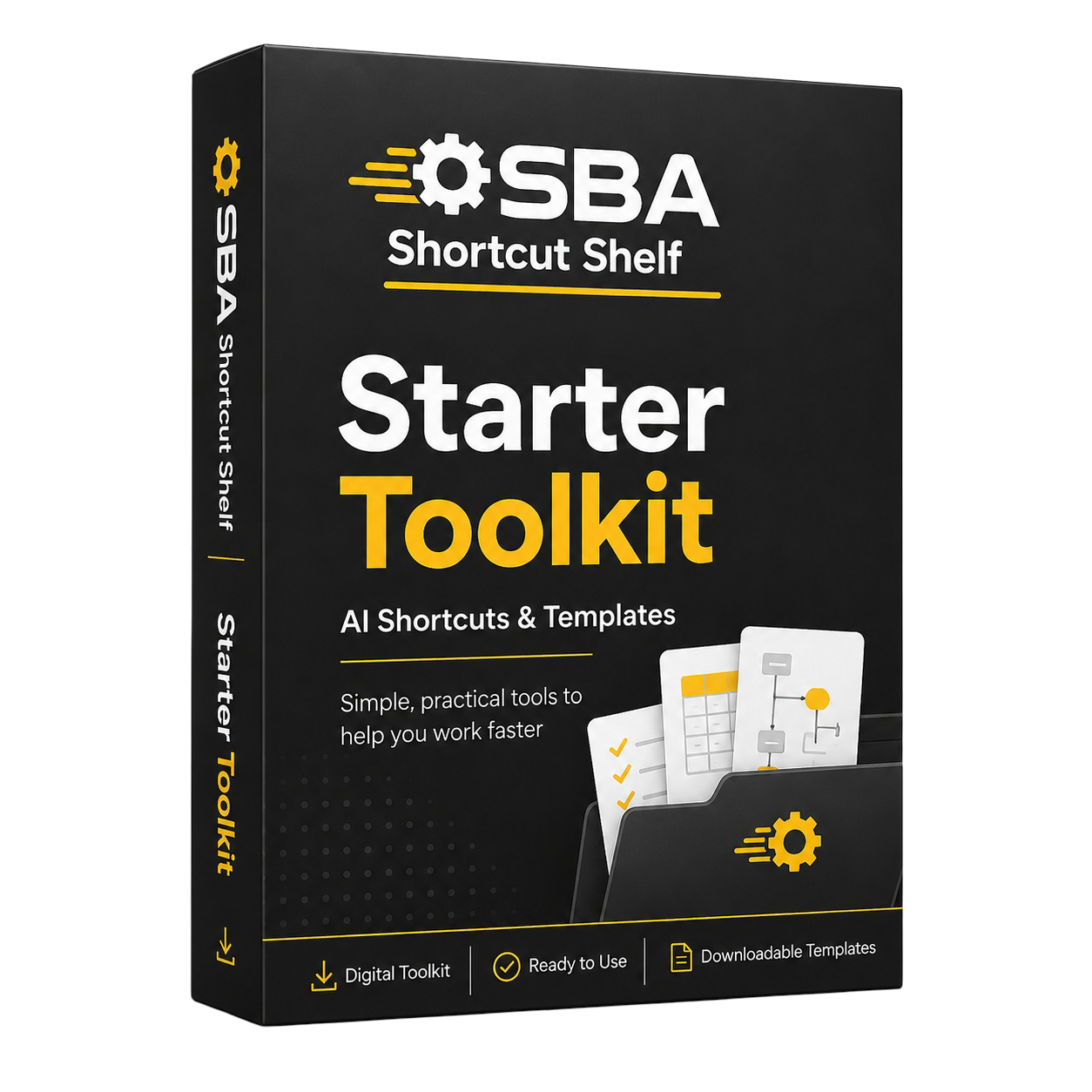
• Clean up staffing requests faster
Turn incomplete project manager emails into structured request summaries with clear missing information and follow-up questions.
• Summarise availability and workload notes
Create concise updates from user-provided information about engineer availability, leave, workload and near-term deadlines.
• Communicate allocation conflicts calmly
Create agendas, pre-meeting checklists, action lists and follow-up emails for resource planning discussions.
• Draft simple capacity and utilisation commentary
Turn supplied figures or notes into plain-English commentary for internal review, while checking against current data.
• 5 resourcing categories: Staffing Request Intake, Availability and Workload Summaries, Allocation Conflict Communication, Meeting Preparation and Follow-Up, and Simple Capacity and Utilisation Commentary.
• 25 practical starter prompts tailored to UK civil and structural engineering consultancy resource management.
• 3 quick wins for cleaning up requests, summarising conflicts and turning meeting notes into actions.
• Beginner-friendly guidance on what to paste into an AI tool and how to review the output.
• Safety reminders covering confidentiality, human review, competence boundaries and staffing commitments.
• Resource managers and resourcing leads in UK civil and structural engineering consultancies.
• Beginner AI users who want useful prompts rather than theory.
• Managers who coordinate project leads, discipline leads, engineers, technicians and technical specialists.
• People who want clearer first drafts for internal resource planning communication.
• Anyone looking for AI to automatically allocate engineers to projects.
• Anyone seeking engineering design, competence, safety, HR, legal or contractual advice.
• Teams needing a full portfolio resource planning system rather than a quick-start PDF.

• Design repeatable planning workflows
Create weekly or monthly resource planning routines with information handover points, data quality checks and review responsibilities.
• Compare demand against capacity
Structure user-provided demand, availability, utilisation and capacity information by discipline, grade, timeframe and confidence level.
• Prepare scenario planning packs
Build option comparison tables, assumption registers and review questions without asking AI to choose the final allocation.
• Create portfolio resource reports
Turn project, discipline and deadline information into clearer senior management briefings and portfolio-level summaries.
• Strengthen escalation and governance checks
Use frameworks for capacity risk briefings, recruitment-gap evidence notes, confidentiality checks and human review gates.
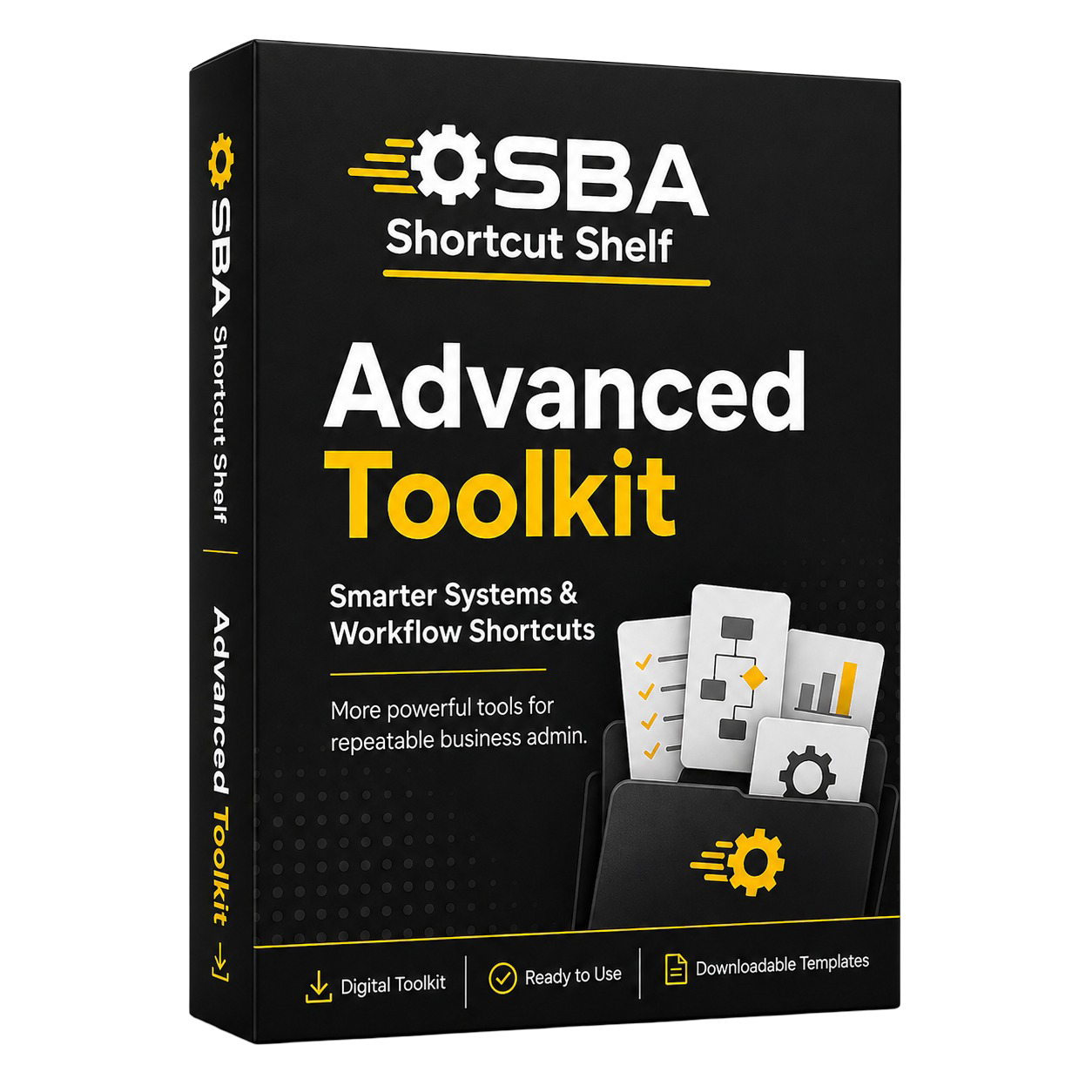
• 5 advanced workflow categories covering planning systems, demand-versus-capacity analysis, scenario planning, portfolio reporting and escalation governance.
• 50 advanced AI prompts for deeper resource planning, review and briefing tasks.
• 10 reusable resources for planning workflows, data quality review, scenario briefs, assumptions registers, portfolio reports and escalation review cards.
• 5 workflow playbooks for weekly planning packs, capacity review preparation, scenario review, portfolio reporting and escalation preparation.
• 5 SOP checklists and 5 power user prompt frameworks for more controlled AI-supported resourcing work.
• Resource managers who need deeper support for recurring planning cycles and management reporting.
• Operations or resourcing leads preparing demand-versus-capacity summaries and portfolio resource reports.
• Users who want templates, playbooks, SOP-style checks and structured AI briefing frameworks.• Teams piloting responsible AI use in higher-stakes resourcing coordination.
• Users who only need a few quick prompts for email drafting and simple meeting notes.
• Anyone expecting AI to select staff, approve allocations or assess competence.
• Anyone seeking engineering design, HR, legal, contractual, safety or compliance advice.

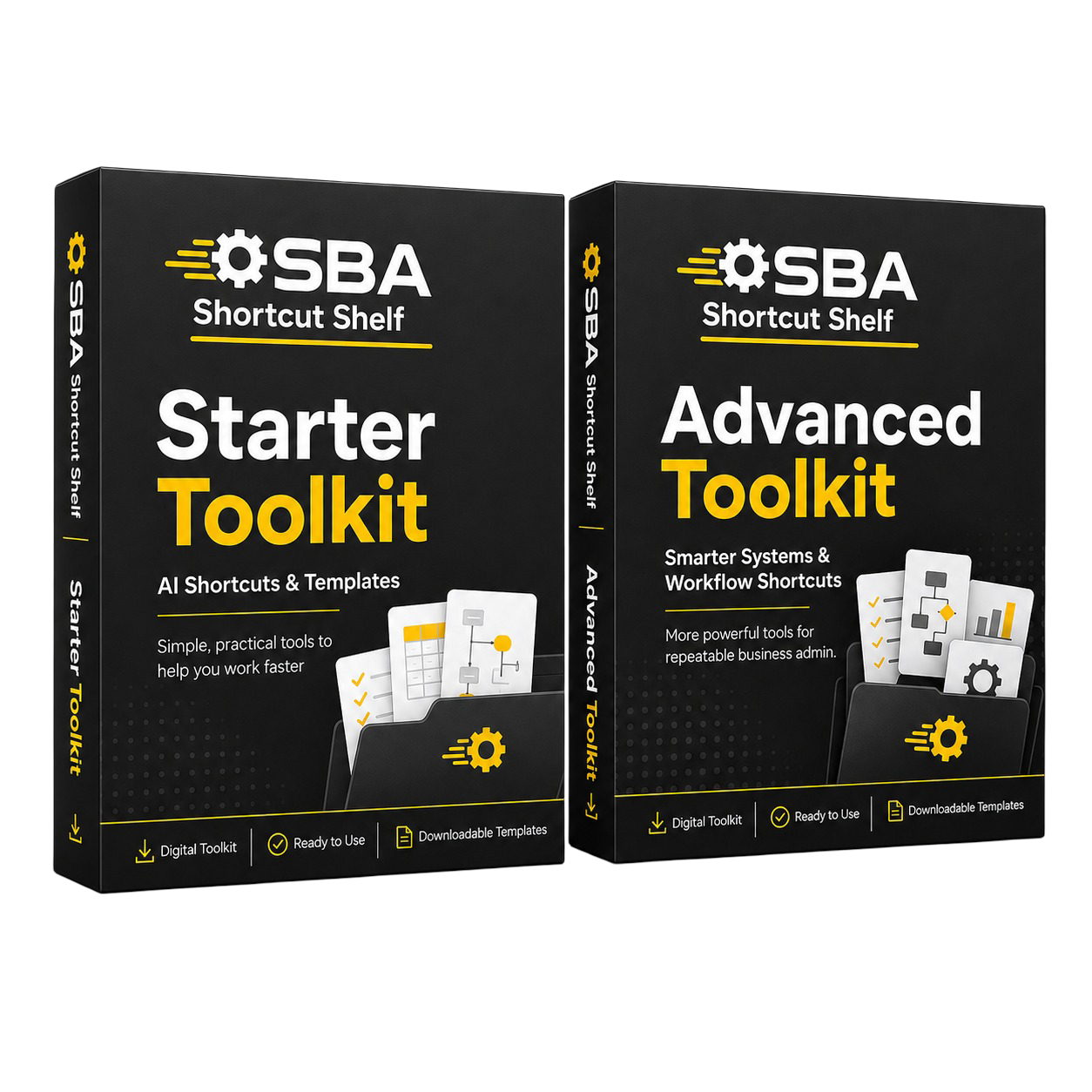
• Get the complete toolkit family
Receive the Starter PDF for quick day-to-day prompts and the Advanced PDF for workflow, reporting and review systems.
• Cover both daily admin and recurring planning
Use Starter for staffing requests and follow-ups, and Advanced for capacity comparison, scenario planning and portfolio reporting.
• Better value than buying separately
Pay £24.99 and save £3.99 compared with purchasing Starter and Advanced individually.
• Keep the two learning levels distinct
Start with simple prompts when you need speed, then use the Advanced PDF when the task needs more structure.
• Starter Toolkit PDF.
• Advanced Toolkit PDF.

• Resource managers who want both practical quick prompts and structured planning workflows.
• Buyers who expect to use AI across daily resourcing admin and recurring management reporting.
• Teams piloting responsible AI use across resource planning coordination.
• Anyone who prefers buying the complete family once rather than choosing one PDF.
• Buyers who only need the lowest-cost Starter PDF.
• Buyers who only want the Advanced PDF and do not need quick-start material.
• Anyone expecting AI to make staffing decisions, approve commitments or assess competence.
When you choose the Bundle Pack, you receive the Starter Toolkit PDF and the Advanced Toolkit PDF together. The bundle is designed as a best-value combined purchase, not a separate third toolkit file.
SBA Shortcut Shelf products are delivered digitally. After checkout, your secure download links are sent by email.
Select Starter, Advanced, or Bundle depending on the level of support you want.
Use the checkout button for your chosen option and complete payment securely.
Your order delivery email includes secure download links for the PDF files included in your purchase.
Open the PDFs and use the prompts, workflows, templates, and checklists with your preferred AI tool.
No physical item is shipped. Products are delivered as downloadable digital PDF files.
If you have any issue accessing your download links, contact support using the Contact page and include the email address used for purchase.
SBA Shortcut Shelf toolkits are designed to help you prepare drafts, organise information, structure workflows, and review outputs more clearly. They are not designed to replace professional judgement, regulated advice, official procedures, or sensitive human decision-making.
Use AI to create starting points, summaries, checklists, and review structures — not to bypass human judgement.
Check names, dates, details, tone, assumptions, and suitability before using any AI-generated output.
The guidance is written in plain English so you can apply it in your working day without technical AI knowledge.
Some SBA Shortcut Shelf toolkits include optional software suggestions that may help with task management, documents, forms, workflows, automation, or e-signatures.
These tools are not required to use the toolkit. They are included as practical next-step ideas only. Always review pricing, privacy settings, suitability, and current features before using any third-party tool in your own business.
Some tool links or recommendations may be affiliate links, which means SBA Shortcut Shelf may earn a commission if you choose to buy through them. This does not change the price you pay, and recommended tools remain optional.
A few practical answers before choosing your toolkit option.
You receive the digital PDF file or files included in your chosen option. Starter includes the Starter Toolkit PDF, Advanced includes the Advanced Toolkit PDF, and Bundle includes both PDFs together.
After checkout, secure download links are sent by email. No physical item is shipped.
No. You can use the prompts, workflows, templates, and checklists with your preferred AI tool. Any optional software suggestions are not required.
Yes. SBA Shortcut Shelf toolkits are written in plain English and designed to help people apply AI to real working tasks without needing technical AI knowledge.
No. AI output should be reviewed before being relied on, especially where work involves customers, clients, families, personal information, invoices, official details, or sensitive communication.
The Bundle Pack includes the Starter Toolkit PDF and Advanced Toolkit PDF together. It is not a third separate toolkit PDF unless explicitly stated.
No. SBA Shortcut Shelf toolkits provide practical AI prompts, workflows, templates, and review guidance. They do not replace professional advice, official procedures, regulated judgement, or internal policies.
Contact support using the Contact page and include the email address used for purchase so the order can be checked.
Start with quick prompts, go deeper with structured workflows, or choose the Bundle if you want both PDFs together.
Digital PDF products. Secure download links are delivered by email after checkout.