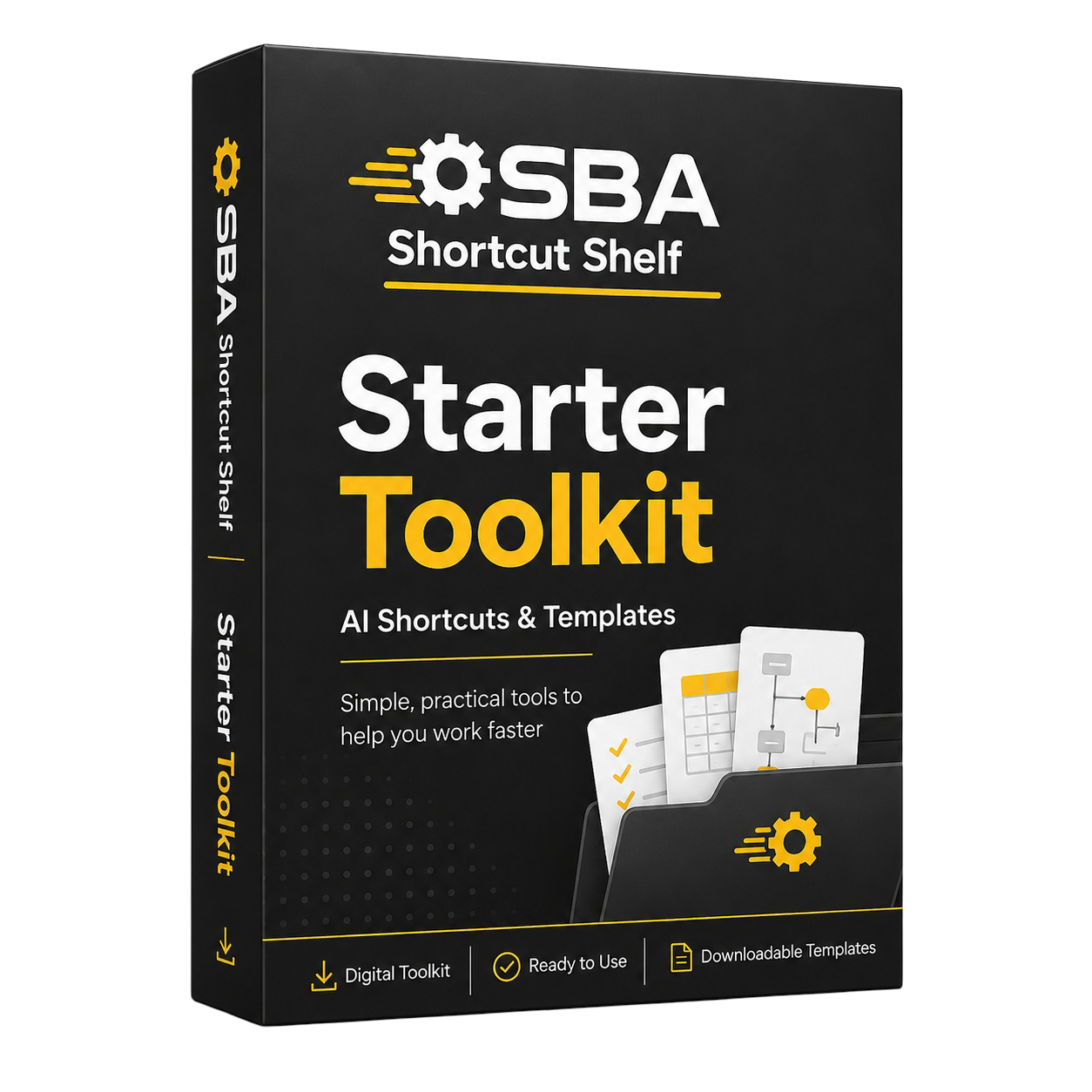
Practical PDF resources for using AI to draft, summarise, organise and review common wedding sales and events coordination tasks.
Start with quick prompts, go deeper with workflows, or get both PDFs together.
Products are delivered digitally. No physical item is shipped. Purchases are also covered by a 30-day money-back value guarantee.
Designed around the tasks, communication, coordination, documentation and repeatable admin work handled by people in this role.
Choose the option that fits how much support you want. Starter gives you quick prompts, Advanced gives you deeper workflows, and Bundle includes both PDFs together.

• Draft warmer enquiry replies
Use AI to prepare first-draft replies to new wedding enquiries and brochure requests using your own approved venue information.
• Follow up without sounding pushy
Create gentle brochure follow-ups, viewing invitations and post-viewing messages that keep the conversation helpful and professional.
• Summarise couple preferences clearly
Use simple safety prompts to spot missing details or wording that could imply unsupported promises about dates, pricing, packages or suppliers.
• 5 role-specific prompt categories for UK wedding venue coordination.
• 25 beginner-friendly AI prompts for enquiries, brochure follow-ups, viewing messages, package drafts, couple summaries and handover checks.
• 3 quick-win use cases to help you get started quickly.
• Copy-and-adapt guidance for using approved venue wording and checking outputs before use.
• Safety reminders for availability, pricing, deposits, package information and supplier-related wording.
• Wedding and events coordinators at UK independent wedding venues.
• Small venue teams that want practical AI support without complex automation.
• Beginners who want clear examples of what to ask AI.
• Coordinators handling enquiries, brochure follow-ups, viewings and simple handovers.
• Anyone looking for software that sends customer messages automatically.
• Teams that need legal, contract or data protection advice.
• Buyers looking for a full advanced workflow system rather than quick prompts.

• Build an enquiry-to-viewing workflow
Create a more consistent process for triaging enquiries, preparing viewing briefs, planning follow-ups and reviewing lead stages.
• Keep package wording aligned
Use approved information cards and review prompts to reduce the risk of inconsistent package, pricing, deposit or availability wording.
• Organise planning details and changes
Structure couple preferences, open questions, detail meeting notes and change briefs so information is easier to carry forward.
• Support supplier and function sheet preparation
Turn supplier updates and event details into clearer preparation notes for operational review and function sheet readiness.
• Strengthen handover and risk review
Use commercial risk checks, escalation briefs and sales-to-operations handover frameworks before information is shared or finalised.
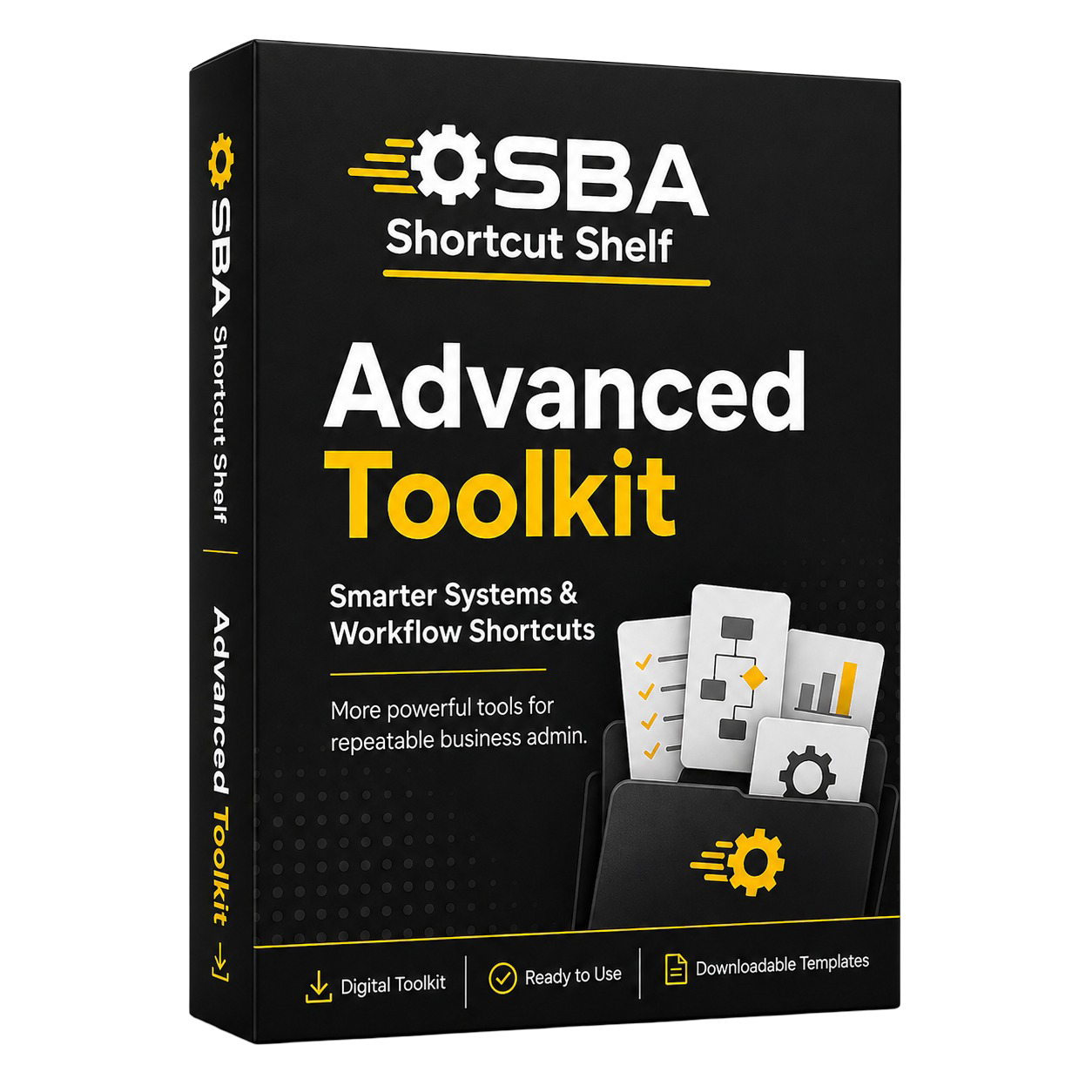
• 5 advanced workflow categories for wedding venue coordination.
• 50 advanced AI prompts covering enquiry pipelines, approved information, planning detail continuity, supplier coordination, function sheet preparation and risk review.
• 10 templates and frameworks for trackers, briefs, approved information cards, planning profiles, supplier notes, function sheet review cards, handovers and escalation briefs.
• 5 workflow playbooks for repeatable coordinator processes.
• 5 SOP checklists to support review and handover consistency.
• 5 power user prompt frameworks for briefing AI more clearly while keeping venue review boundaries in place.
• Coordinators who want deeper structure than quick email prompts.
• Independent wedding venues that need more consistent enquiry, planning and handover processes.
• Small venue teams building approved wording libraries, SOPs or prompt libraries.• Buyers who want practical AI workflow support without technical automation complexity.
• Buyers who only want a short low-cost prompt pack.
• Anyone expecting AI to own the booking process or final function sheet sign-off.
• Teams seeking legal, contract, financial or data protection advice.

• Start quickly and build depth later
Use Starter for immediate drafting and summary shortcuts, then use Advanced when you want deeper workflow structure.
• Support different confidence levels
Useful if one person wants beginner-friendly prompts while another wants templates, playbooks and review systems.
• Cover day-to-day tasks and process improvement
The two PDFs together support quick communication drafts and more organised enquiry, supplier, function sheet and handover workflows.
• Best-value combined option
Get both included PDFs for £24.99 and save £3.99 compared with buying Starter and Advanced separately.
• Starter Toolkit PDF.
• Advanced Toolkit PDF.

• Wedding and events coordinators who want both quick-start and deeper workflow support.
• Venue owners or managers buying for a small team.
• Independent wedding venues onboarding a new coordinator.
• Buyers who want the best-value option for both PDFs.
• Buyers who only want the lowest-cost single PDF.
• Anyone expecting a third bundle-only guide or exclusive extra prompt pack.
• Teams looking for live software, automation setup or final-send email systems.
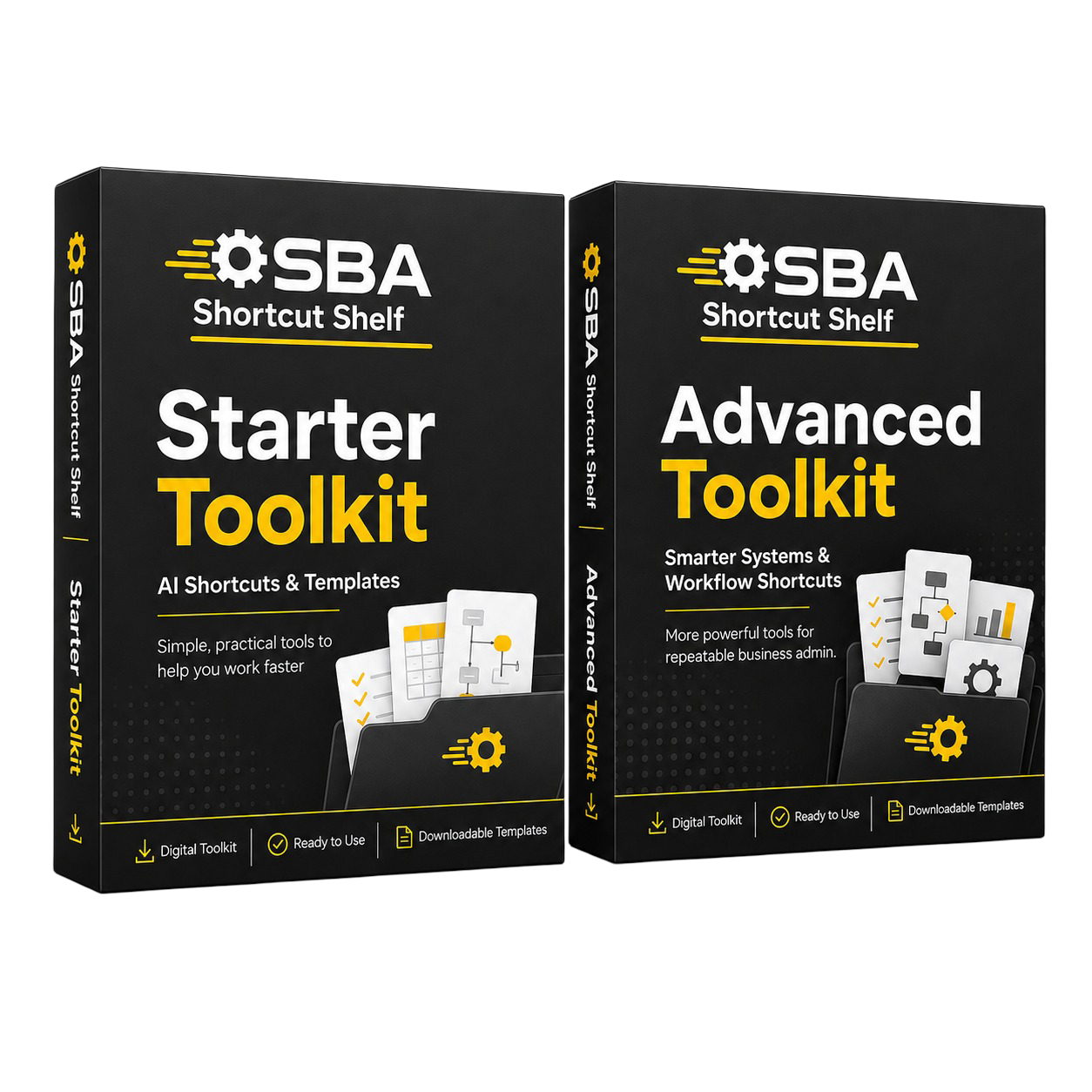
When you choose the Bundle Pack, you receive the Starter Toolkit PDF and the Advanced Toolkit PDF together. The bundle is designed as a best-value combined purchase, not a separate third toolkit file.
SBA Shortcut Shelf products are delivered digitally. After checkout, your secure download links are sent by email.
Select Starter, Advanced, or Bundle depending on the level of support you want.
Use the checkout button for your chosen option and complete payment securely.
Your order delivery email includes secure download links for the PDF files included in your purchase.
Open the PDFs and use the prompts, workflows, templates, and checklists with your preferred AI tool.
No physical item is shipped. Products are delivered as downloadable digital PDF files.
If you have any issue accessing your download links, contact support using the Contact page and include the email address used for purchase.
SBA Shortcut Shelf toolkits are designed to help you prepare drafts, organise information, structure workflows, and review outputs more clearly. They are not designed to replace professional judgement, regulated advice, official procedures, or sensitive human decision-making.
Use AI to create starting points, summaries, checklists, and review structures — not to bypass human judgement.
Check names, dates, details, tone, assumptions, and suitability before using any AI-generated output.
The guidance is written in plain English so you can apply it in your working day without technical AI knowledge.
Some SBA Shortcut Shelf toolkits include optional software suggestions that may help with task management, documents, forms, workflows, automation, or e-signatures.
These tools are not required to use the toolkit. They are included as practical next-step ideas only. Always review pricing, privacy settings, suitability, and current features before using any third-party tool in your own business.
Some tool links or recommendations may be affiliate links, which means SBA Shortcut Shelf may earn a commission if you choose to buy through them. This does not change the price you pay, and recommended tools remain optional.
A few practical answers before choosing your toolkit option.
You receive the digital PDF file or files included in your chosen option. Starter includes the Starter Toolkit PDF, Advanced includes the Advanced Toolkit PDF, and Bundle includes both PDFs together.
After checkout, secure download links are sent by email. No physical item is shipped.
No. You can use the prompts, workflows, templates, and checklists with your preferred AI tool. Any optional software suggestions are not required.
Yes. SBA Shortcut Shelf toolkits are written in plain English and designed to help people apply AI to real working tasks without needing technical AI knowledge.
No. AI output should be reviewed before being relied on, especially where work involves customers, clients, families, personal information, invoices, official details, or sensitive communication.
The Bundle Pack includes the Starter Toolkit PDF and Advanced Toolkit PDF together. It is not a third separate toolkit PDF unless explicitly stated.
No. SBA Shortcut Shelf toolkits provide practical AI prompts, workflows, templates, and review guidance. They do not replace professional advice, official procedures, regulated judgement, or internal policies.
Contact support using the Contact page and include the email address used for purchase so the order can be checked.
Start with quick prompts, go deeper with structured workflows, or choose the Bundle if you want both PDFs together.
Digital PDF products. Secure download links are delivered by email after checkout.